VEGAS Pro Suite vs. DaVinci Resolve Studio - Key features comparison
Any pro video editing software carries a ton of features plus advantages and disadvantages compared to others. Read on for a look at two of the most feature-rich: VEGAS Pro Suite and DaVinci Resolve Studio, comparing tools and honestly exploring some pros and cons of both.
AI video editing tools
Z-Depth
VEGAS Pro Suite
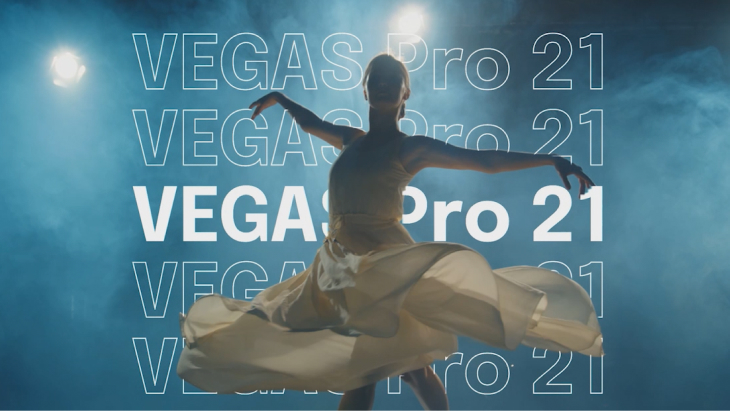
The Z-Depth plugin instantly separates foreground and background elements in an image and maps them into layers within 3D space, allowing you to add elements between the layers – saving you hours of manual masking
DaVinci Resolve Studio
The depth map effect on the Color page creates mattes from foreground and background elements, allowing you to grade each separately or add atmospheric effects, but not to create video composites.
Text to Speech
VEGAS Pro Suite
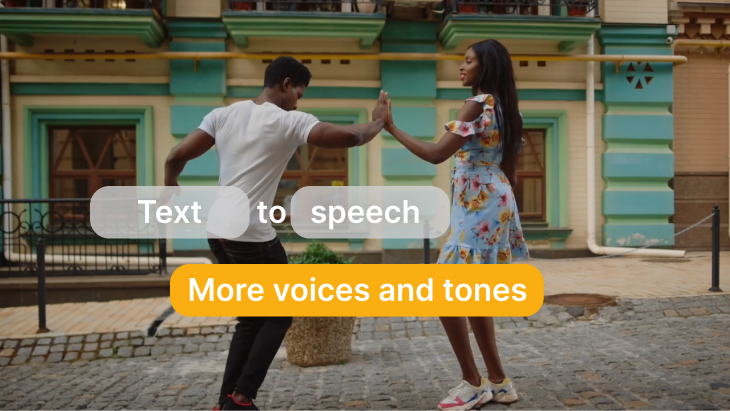
VEGAS Pro Suite 365 offers Text to Speech, which generates realistic voice narrations from text in a variety of customizable voices, styles, and moods. It also provides translation into other languages.
DaVinci Resolve Studio
DaVinci Resolve Studio does not include a Text to Speech function without third party plugins, but it does include Speech to Text.
Style transfer
VEGAS Pro Suite
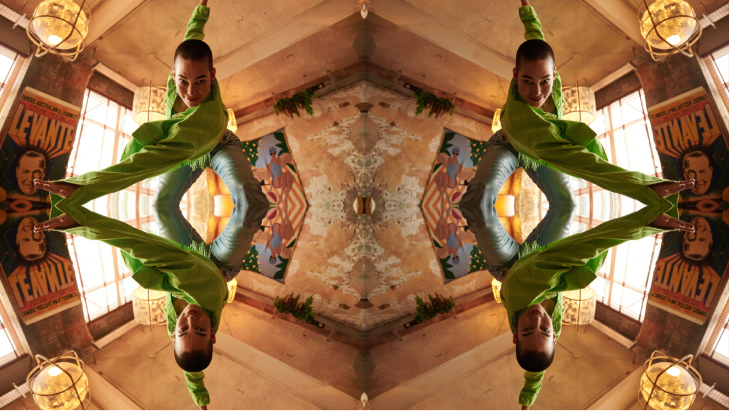
Style Transfer automatically transforms the look of your images into many artistic styles of your choice (the list includes those of famous painters like Picasso or Van Gogh). Adjust, animate, and mix styles to find the perfect combination of brushstrokes, hues and shapes for your video.
DaVinci Resolve Studio
Choose from different conventional effects in the Open FX library to stylize your image, from practical effects like Blanking fill to artistic ones like Pencil art or Abstraction.
AI colorization effect
VEGAS Pro Suite
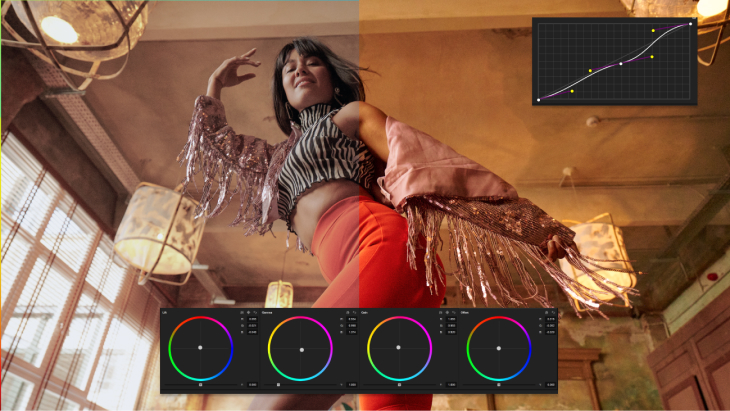
Colorization automatically applies realistic colors to common tonal areas of monochrome or black and white images, such as grass, skies, skin, etc., easily adding a modern look to archive footage or old photographs.
DaVinci Resolve Studio
While not AI-driven, the Pseudo Color tool allows for some colorizing of black and white images based on the content of the image, but it is very limited in scope.
Summary: With Text to Speech, Colorization, Style Transfer, and a more advanced Z Depth function, VEGAS Pro Suite edges out DaVinci Resolve Studio in exciting AI features.
Video editing
Interface
VEGAS Pro Suite
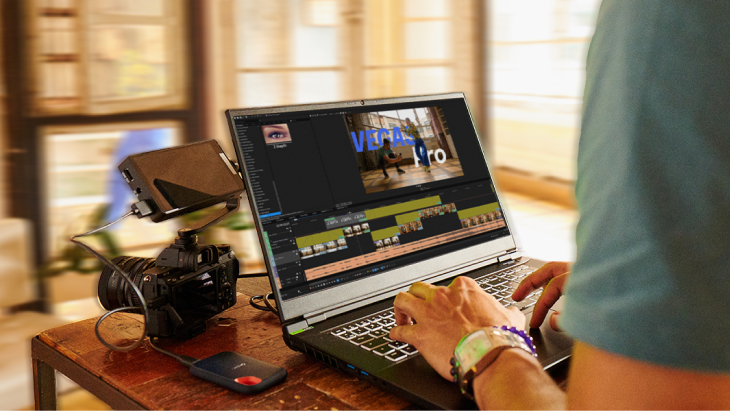
Arrange the VEGAS Pro interface any way you prefer. Break out, resize, and spread as many windows as you want over as many screens as you have. Save and switch between layouts for specific tasks or have all your tools and windows available at once, whatever works best for you and your system.
DaVinci Resolve Studio
DaVinci Resolve supports Dual Screen mode, splitting the interface between up to two screens. You can adjust the sizes of some individual panels, but not the arrangements, and you can undock and move a few panels. Different built-in pages reconfigure the interface and open tools for specific tasks.
Timeline
VEGAS Pro Suite
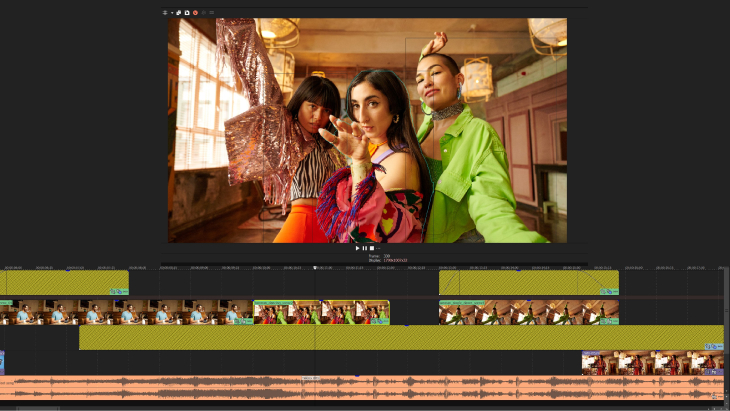
Drag and drop clips to the timeline. Arrange and rearrange tracks at will and intermingle audio and video tracks. Overlapping clips create automatic crossfades instead of deleting parts of clips; drop any transition into the crossfade area. Trim or move clips on the timeline to adjust transition lengths. Traditional trim handles are available if you want them.
DaVinci Resolve Studio
While the DaVinci Resolve timeline is drag-and-drop, its design is most efficient when using two-point and three-point editing. While it separates video and audio tracks on the main Edit page, it also offers the Cut page, which gives the editor a dual view of the timeline and a more flexible way to edit compared to the Edit page. You cannot rearrange tracks; you move clips between tracks. To create transitions, right-click and choose a length from choices in a menu.
Cloud storage and content
VEGAS Pro Suite
The subscription to VEGAS Pro Suite 365 comes with full VEGAS Hub access. Storing your media libraries on VEGAS Hub frees you from the hassle of physical external storage and makes your media available anywhere you are, and sharable with remote collaborators. Your VEGAS Hub also includes a large library of royalty-free downloadable content, including 4K stock footage and audio files.
DaVinci Resolve Studio
DaVinci Resolve Studio supports the Blackmagic Cloud, where you can maintain project libraries and assign as many collaborators as you need. Multiple editors can work simultaneously on the same timeline, and changes made by others will be visible on your timeline, yet only applied if you accept them. The Blackmagic Cloud currently has no content libraries.
Screen recording
VEGAS Pro Suite
The built-in VEGAS Capture tool lets you record from as many screens and audio sources as you want. Record from webcams, gaming sessions, external and internal microphones, headphone audio, or whatever other sources you may have. Save multiple recording sessions into the same capture project file.
DaVinci Resolve Studio
DaVinci Resolve does not offer screen recording natively, but it is available through third-party apps. Voiceover recording is available on the Fairlight page.
GPU decoding and encoding
VEGAS Pro Suite
VEGAS Pro leverages Intel, AMD, and Nvidia graphics cards to decode AVC and HEVC video for real-time playback, as well as accelerate numerous GPU-enabled effects for smoother playback even in complex projects. When exporting, hardware encoding to AVC, HEVC, and HDR presets cuts render times up to half.
DaVinci Resolve Studio
DaVinci Resolve Studio supports GPU decoding of AVC, HEVC, AV1, and RED. Specific GPU card support varies by platform. Resolve includes an array of GPU-enabled effects, and leverages GPU acceleration when encoding to AVC, HEVC, and RED.
Summary: DaVinci Resolve approaches editing more like traditional non-linear apps, though it allows a different approach on its Cut page, so editors have some flexibility in deciding how best to work their edits. VEGAS Pro was designed from the ground up to be intuitive and flexible, enabling editors to work any way they want and arrange their interface at will. Both have comparable GPU acceleration, with DaVinci Resolve supporting a few more formats, but VEGAS Pro pulls ahead with its screen recording capabilities.
Color correction
Color grading
VEGAS Pro Suite
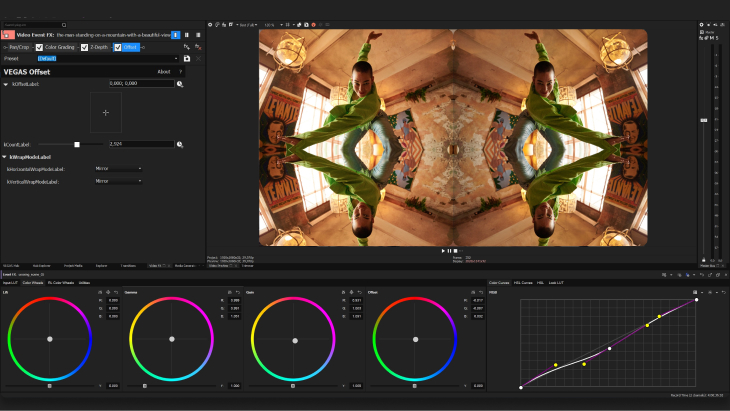
The Unified Color Grading panel gives you color curves, HSL and exposure sliders, color wheels, the ability to import and export LUTs, and many other tools right at your fingertips in a single panel – including precise color and HSL curves for detailed color tweaking. Grade in HDR for cutting edge video delivery.
DaVinci Resolve Studio
DaVinci Resolve Studio evolved from industry-standard color correction and grading tools. The Color page offers an extensive, unmatched set of color and atmospheric adjustment tools for top-level color correction and grading, including 7 HDR color wheels. Leverage advanced professional tools like color warping, face refinement, and ultra beauty.
HDR support
VEGAS Pro Suite
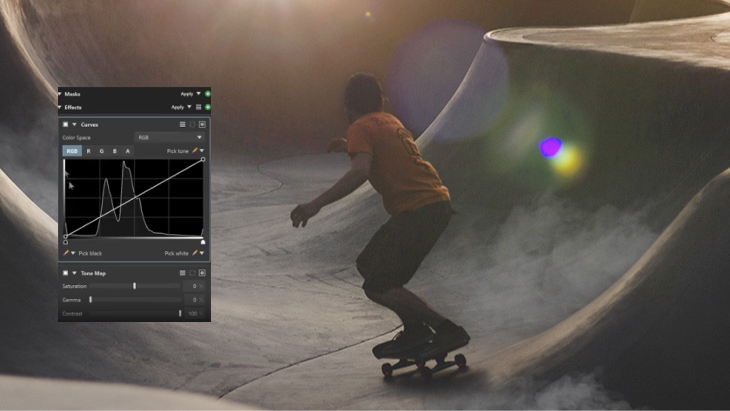
VEGAS Pro operates in the Rec. 2020 and Rec. 2100 color spaces and supports HDR10 and HLG HDR formats.
DaVinci Resolve Studio
DaVinci Resolve Studio supports Dolby Vision, HDR10+, HLG, and the Rec. 2020 and Rec. 2100 color spaces.
Video scopes
VEGAS Pro Suite
The HDR-ready scopes in VEGAS Pro provide an objective analysis of the color and light information in your image. Trust the adjustable Waveform, Vectorscope, Histogram, and RGB Parade displays for precise color correction and grading on any display. Take advantage of the Skin Tone Line in the Vectorscope for accurate rendering of natural color.
DaVinci Resolve Studio
The scopes palette on the Color page offers five scope types, including CIE Chromacity, which lets you be sure your colors are within your delivery format’s specifications. Adjust the Vectorscope, Waveform, Histogram, and Parade displays for a wide variety of ranges, color spaces, and formats, including HDR.
Summary: DaVinci Resolve Studio evolved from the industry standard DaVinci color system, so while VEGAS Pro has excellent color correction and grading capability, DaVinci Resolve outshines VEGAS Pro in overall tools having better scopes, and supporting a more expansive color grading environment.