


Learn Vegas Pro
Vegas Essentials Training Series
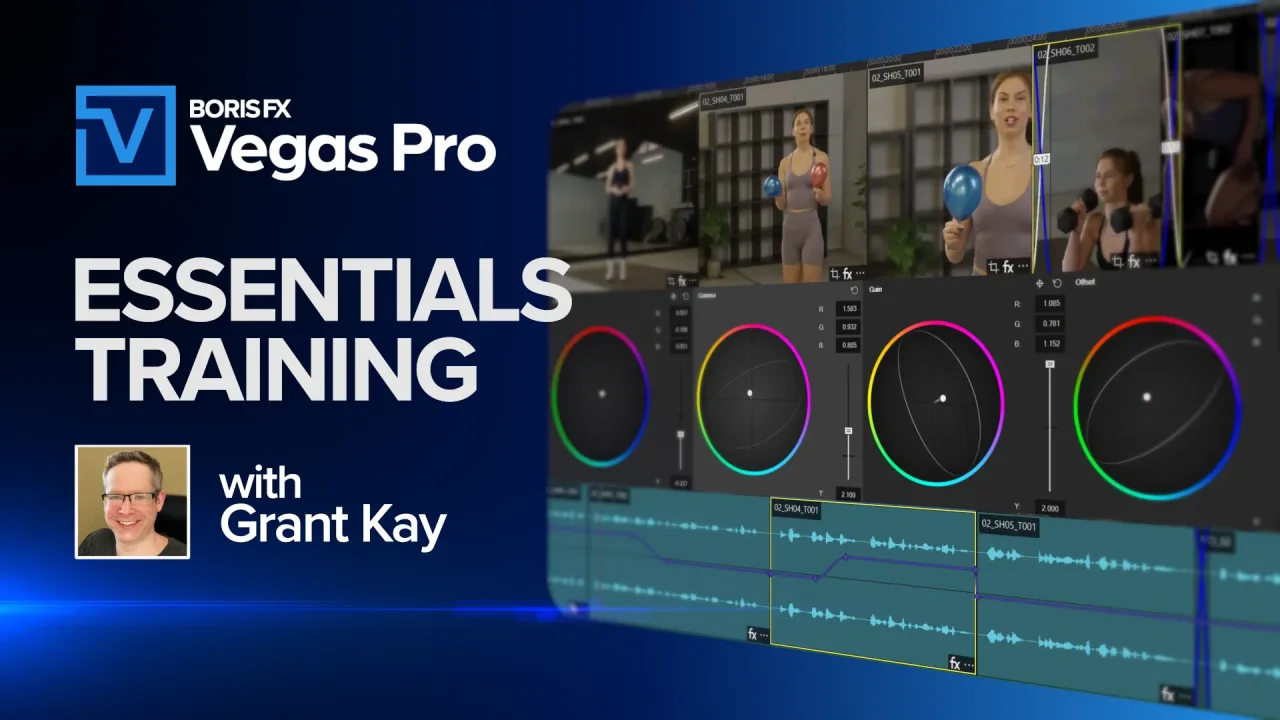
The Complete Guide To Vegas Pro
Download premium project files so you can follow each lesson step-by-step. Normally priced at $49.95, you can get these project files free for a limited time to celebrate Vegas Pro joining Boris FX.
Start Editing Quickly
Learn the fastest way to create a project, import clips, add music, apply effects, and export your first video.
Create Your Project
Set up a new project and learn the key interface panels you’ll use while editing in Vegas Pro.
Import and Organize Media
Discover the easiest ways to import footage and keep your media organized using bins and tags.
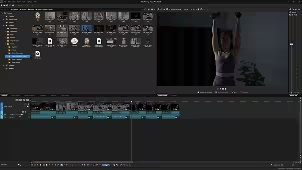
Build Your First Edit
Arrange clips on the timeline, trim shots, split events, and quickly shape the story of your video.
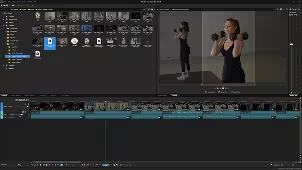
Edit with the Trimmer
Use the Trimmer window to review footage, mark in and out points, and edit clips.
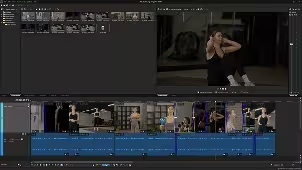
Navigate the Timeline
Master timeline navigation, playback controls, zooming, and shortcuts for faster editing.
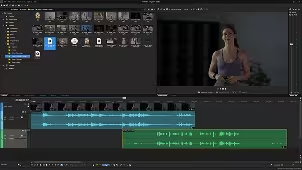
Work with Synced Audio and Video - Part 1
Learn how Vegas handles grouped audio and video events and how to keep them perfectly in sync.
Practical Editing - Part 2
This short editing exercise is your chance to put the Vegas Pro tools into action.
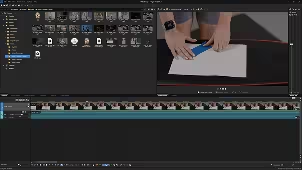
Understand Event Looping
See how Vegas events can extend infinitely and how looping and hold-frame options affect your edit.
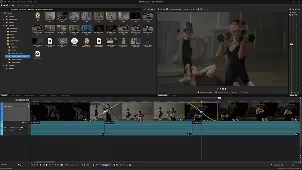
Crossfades and Transitions
Create smooth crossfades and transitions between clips and adjust their timing and curves.
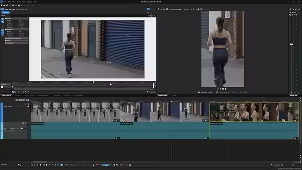
Reframe with Event Pan/Crop
Use Event Pan & Crop to adjust framing, change aspect ratios, and convert horizontal video to vertical.
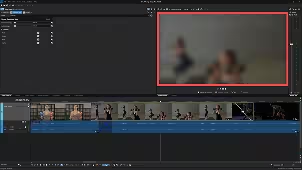
Add Effects to Clips
Apply video effects to events, manage FX chains, and copy effects between clips.
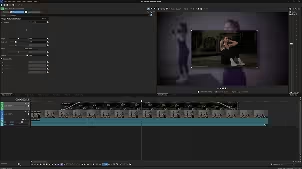
Layer Video and Composites
Build layered visuals with multiple video tracks, Picture-in-Picture, and opacity controls.
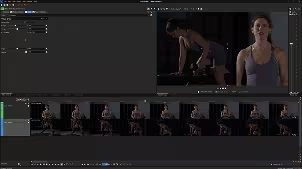
Crop Your Footage
Use the Crop effect to remove unwanted areas of the frame and refine your composition.
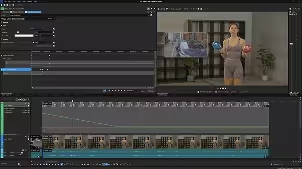
Animate with Keyframes
Create motion and animation by keyframing effect parameters directly in the Vegas Pro timeline.
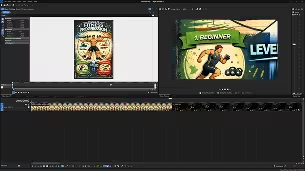
Work with Still Images
Import photos, animate them with pan and zoom moves, and combine them with video.
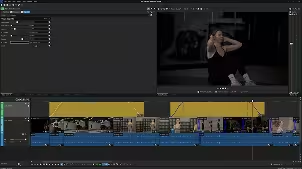
Use Adjustment Events
Apply effects across multiple events at once using flexible adjustment events.
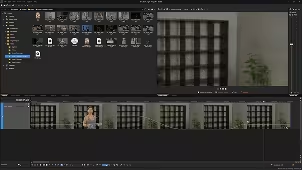
Reverse, Freeze, and Change Speed
Create slow motion, freeze frames, and speed ramps to enhance your storytelling.
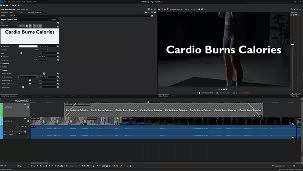
Add Titles and Text
Create simple titles or animated graphics using Vegas text tools and Title Studio.
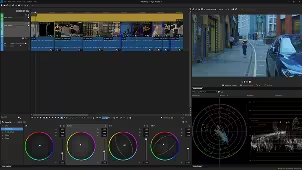
Color Grade Your Footage
Balance exposure, correct color, and apply creative looks using Vegas Pro’s grading tools.
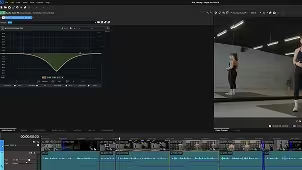
Edit and Enhance Audio
Adjust levels, apply audio effects, record voiceovers, and mix sound for your final edit.
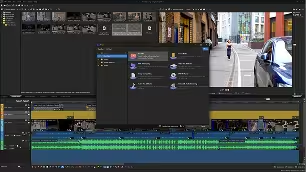
Export Your Video
Render your project using presets and export the final video for delivery or sharing.
Essential Vegas Tips
Review unique Vegas workflows and helpful shortcuts to edit faster and avoid common mistakes.
Advanced Editing TipsMake Your Workflow
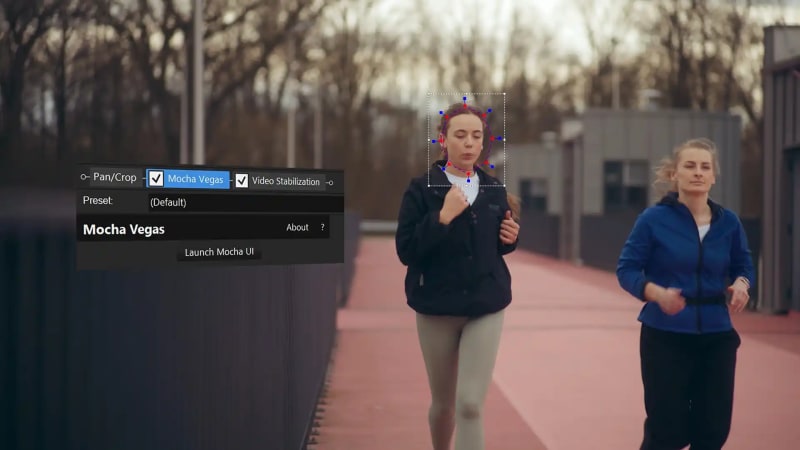
Standard and Advanced Stabilization
Smooth out your footage with the built-in stabilization tool or Mocha Vegas.
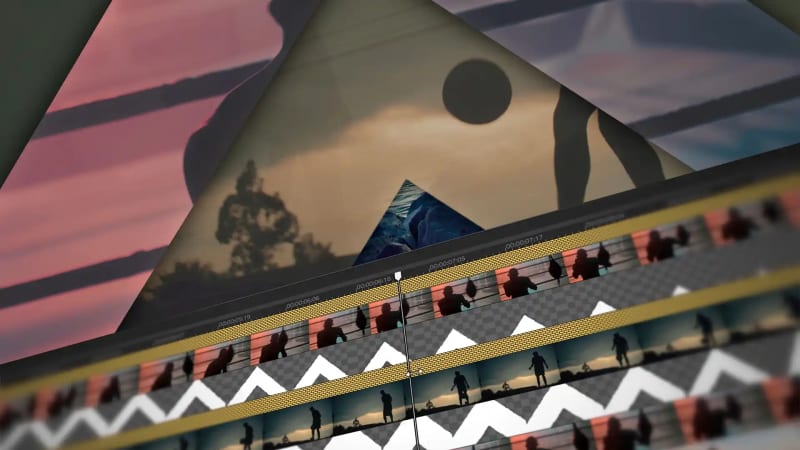
Compositing Modes
Learn the concept of parent and child tracks to create advanced composites directly in the Vegas Pro timeline.
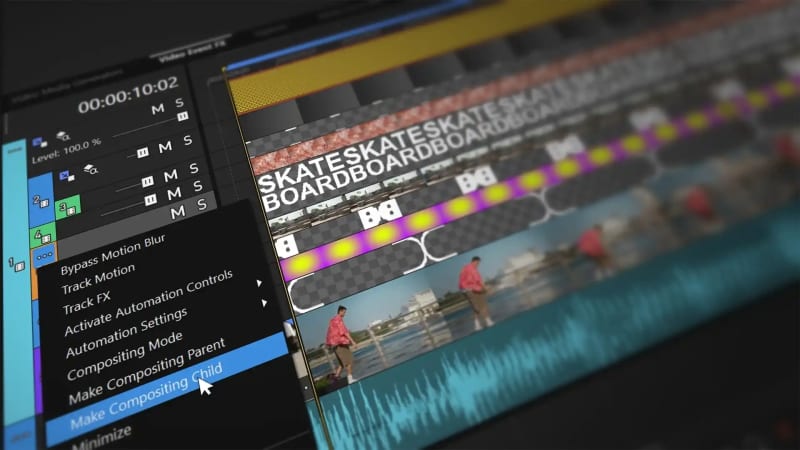
Compositing with Alpha
Combine multiple alpha graphics and turn them into sleek, layered visuals.
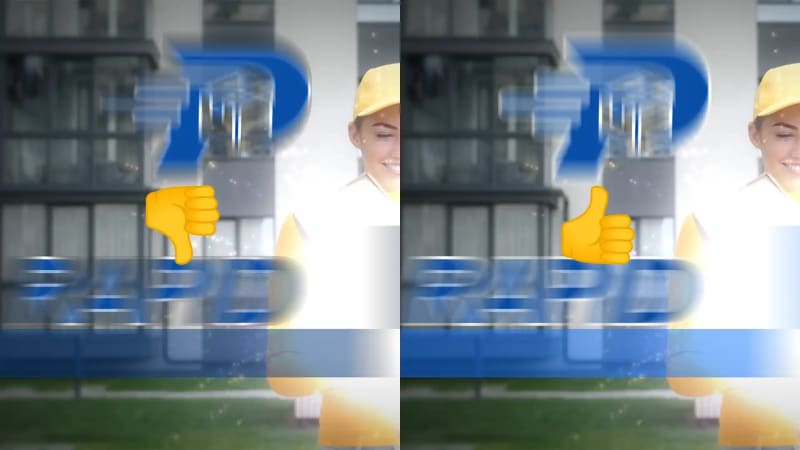
Smooth Graphic Animations
Get clean, artifact-free edges on transparent graphics with a single click.
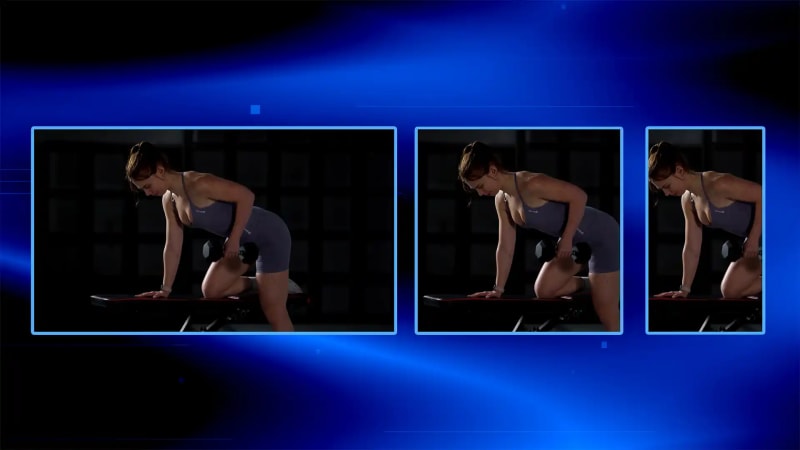
Convert Horizontal to Vertical Video
Quickly reformat your videos into horizontal, vertical, and square layouts for any platform.

8 Hotkeys for Fast Editing
Speed up your Vegas Pro workflow with 8 essential hotkeys for faster editing, batch rendering, and more.
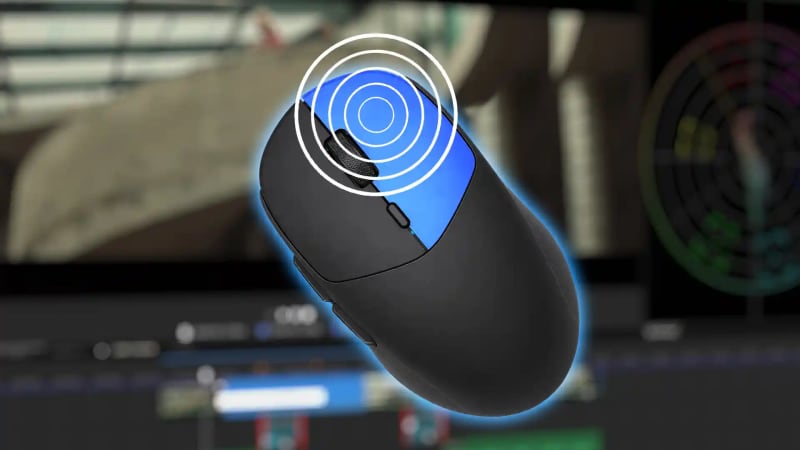
Smart Right-Click Options for Video
Save time with smart right-click actions — close gaps, create freeze frames, reverse audio, and more.
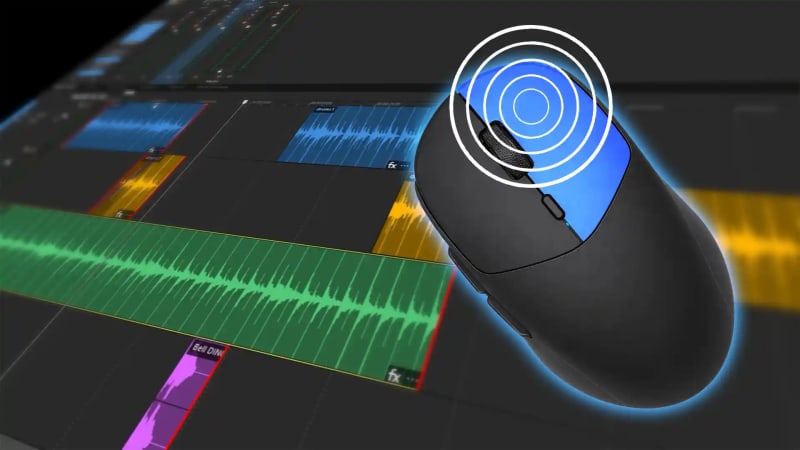
Smart Right-Click Options for Audio
Amplify your workflow with quick ways to add voiceovers and stretch clips or lock audio.
Title StudioMake Every Word Count

Easy 3D Titles & Text Animations
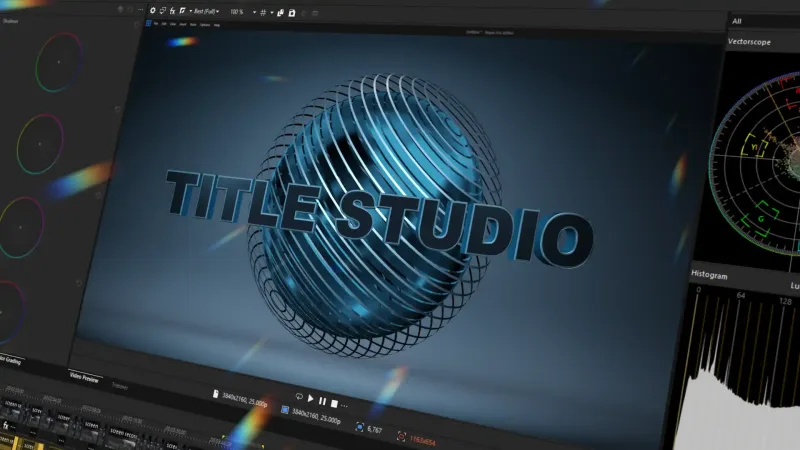
Title Studio Basics
Quickly create professional titles and motion graphics using Title Studio’s built-in presets and tools.

Transform a 2D Preset into 3D
Discover how to transform a basic 2D Title Studio preset into a polished 3D title.
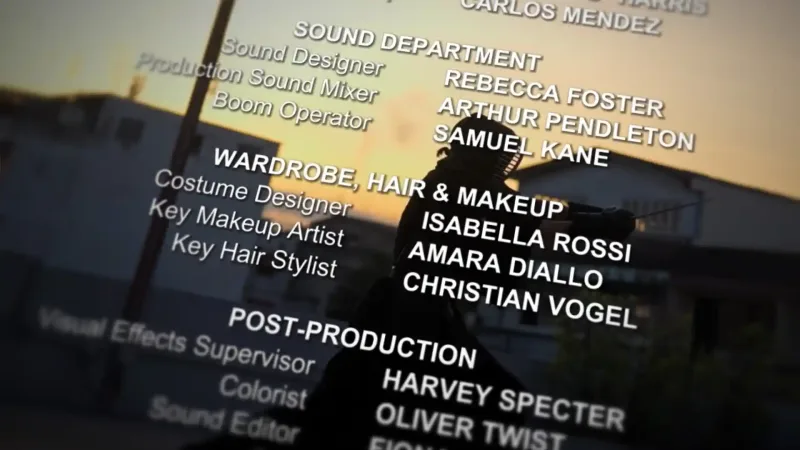
Credit Rolls
Design a professional credit roll with multiple pages of text, various layouts, and integrated logos.
Mocha Vegas Essentials Series
Learn the power of planar tracking
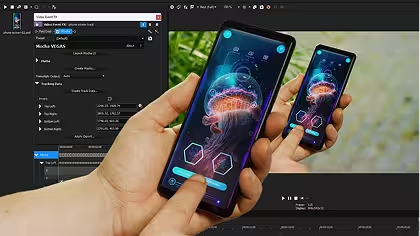
Quick Start
Learn the fundamentals of planar tracking in Mocha VEGAS and how it integrates into the Vegas Pro workflow.
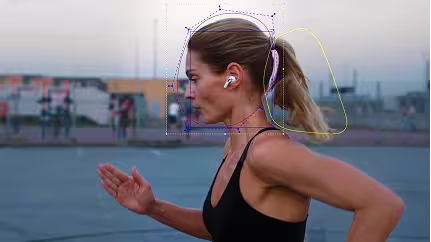
Stabilization
Use planar tracking to stabilize shaky footage and create locked-on stabilization effects.

Callouts with Tracked Graphics
Track surfaces and attach graphics, text, or titles that stay perfectly aligned with motion.
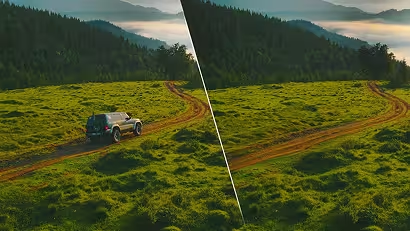
Cleanup with Object Removal
Remove unwanted objects from your shot using Mocha’s planar tracking and cleanplate techniques.
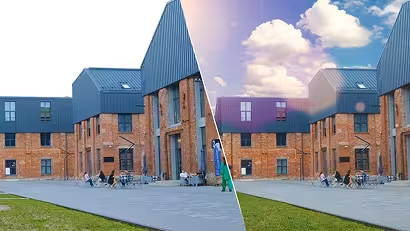
Compositing
Replace skies, isolate objects, and build clean composites using masks and tracked layers.
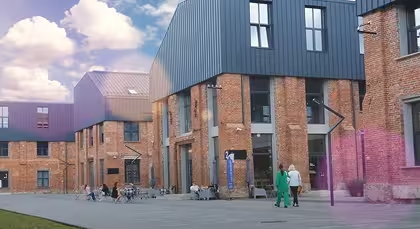
Compositing Cleanup
Track and generate cleanplates to remove distractions and enhance your composite with additional effects.
Create with Continuum
Unleash your artistic vision
Note: Continuum is included with Vegas Pro Ultimate.
Award-Winning Tracking and Masking
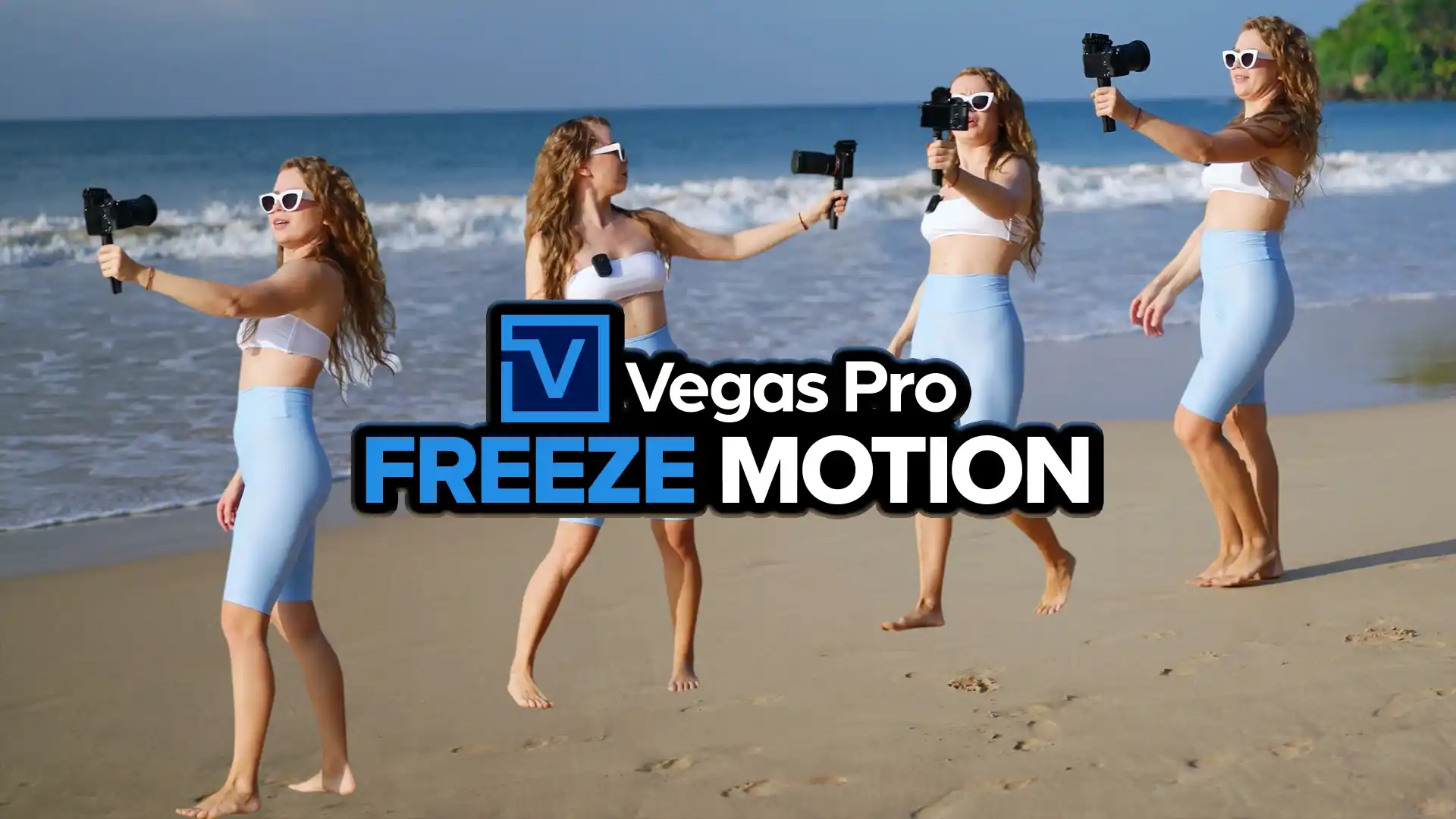
Track and mask anything you want
Grant Kay gives you a step-by-step look at how to easily build the high-energy look using Mocha Pro in your Vegas Pro timeline.
Note: Mocha Pro is included with Vegas Pro Ultimate.
Fast & Easy Particles
Your shortcut to rain, smoke, and sparks
AI Audio Tools Made for Video Editors
Make your audio sound its absolute best
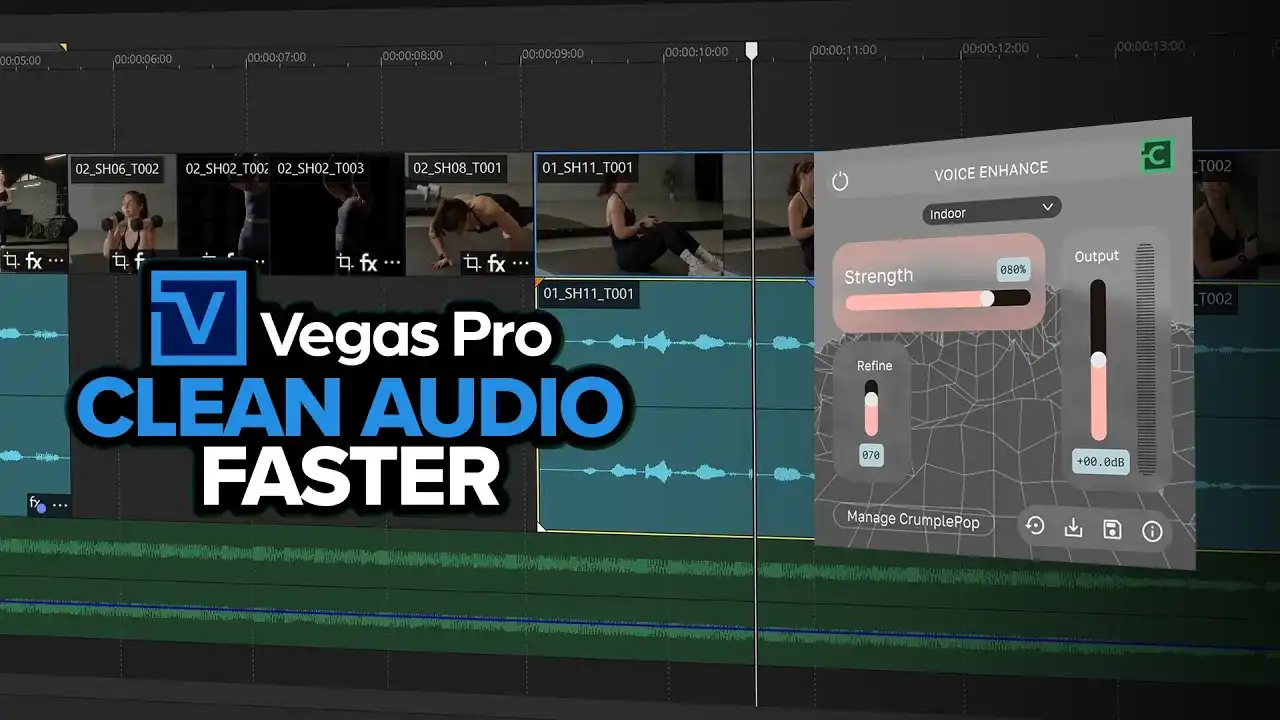
Clean your Audio
Remove echo and deep reverb with the Echo Remover, or for enhanced vocals, the Voice Enhancer.
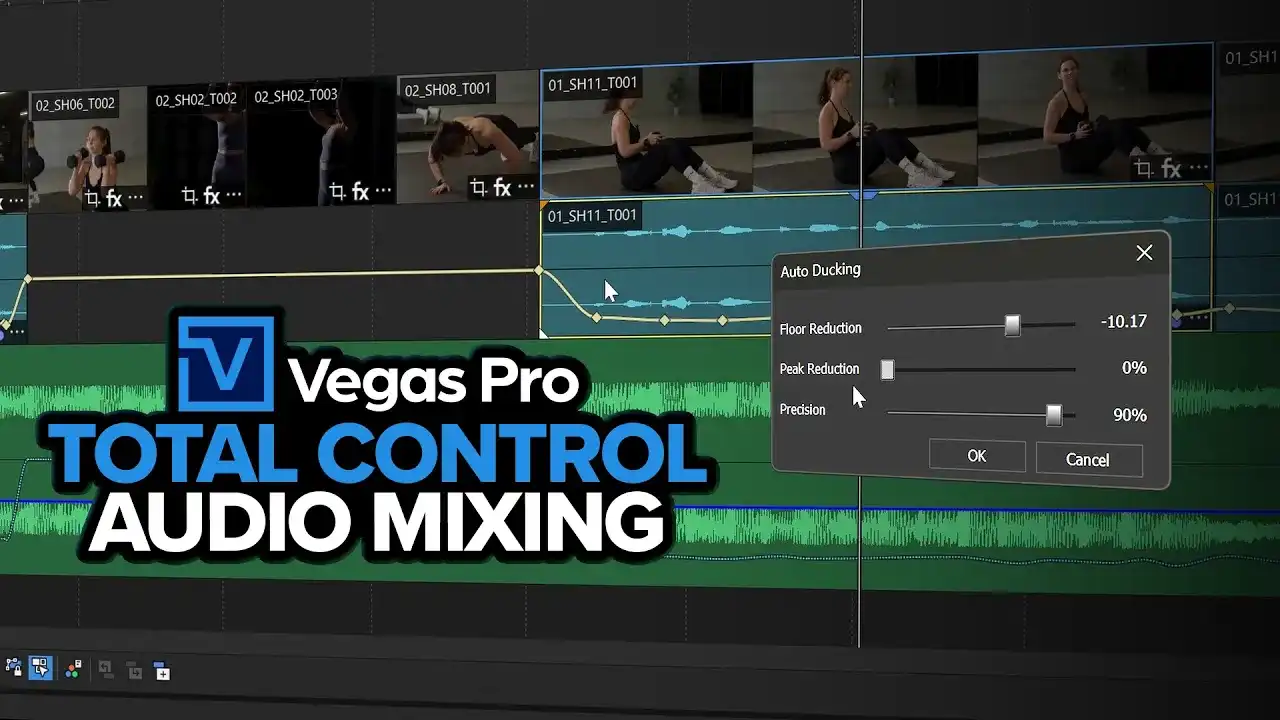
Control your Mix perfectly
Achieve the perfect audio balance. Fine-tune floor and peak reduction and demix music tracks by separating the vocals and instruments.
Need Help? We've Got You!

Forum
A place for Vegas Pro users to discuss tips, tricks, product feature requests, and best practices.

Exchange tips, get quick help, and connect with fellow Vegas Pro editors.

Help Center
Search technical questions or open a ticket with our knowledgeable support team.
Join the Community
Share and learn from creators and talk with the developers.


Frequently Asked Questions
Download Vegas Pro, sign in with your Boris FX account, and start editing. No activation keys or complicated setup.
Yes. Start a free 15-day trial with full access to all features.
Yes. You can use your license on up to two computers, so you can edit wherever you work.
No. Just sign in and start editing — it’s that simple.
Our team is here for you. Reach out anytime or start a live chat on our website.