


Vegas Pro 2027
Make more. Worry less.
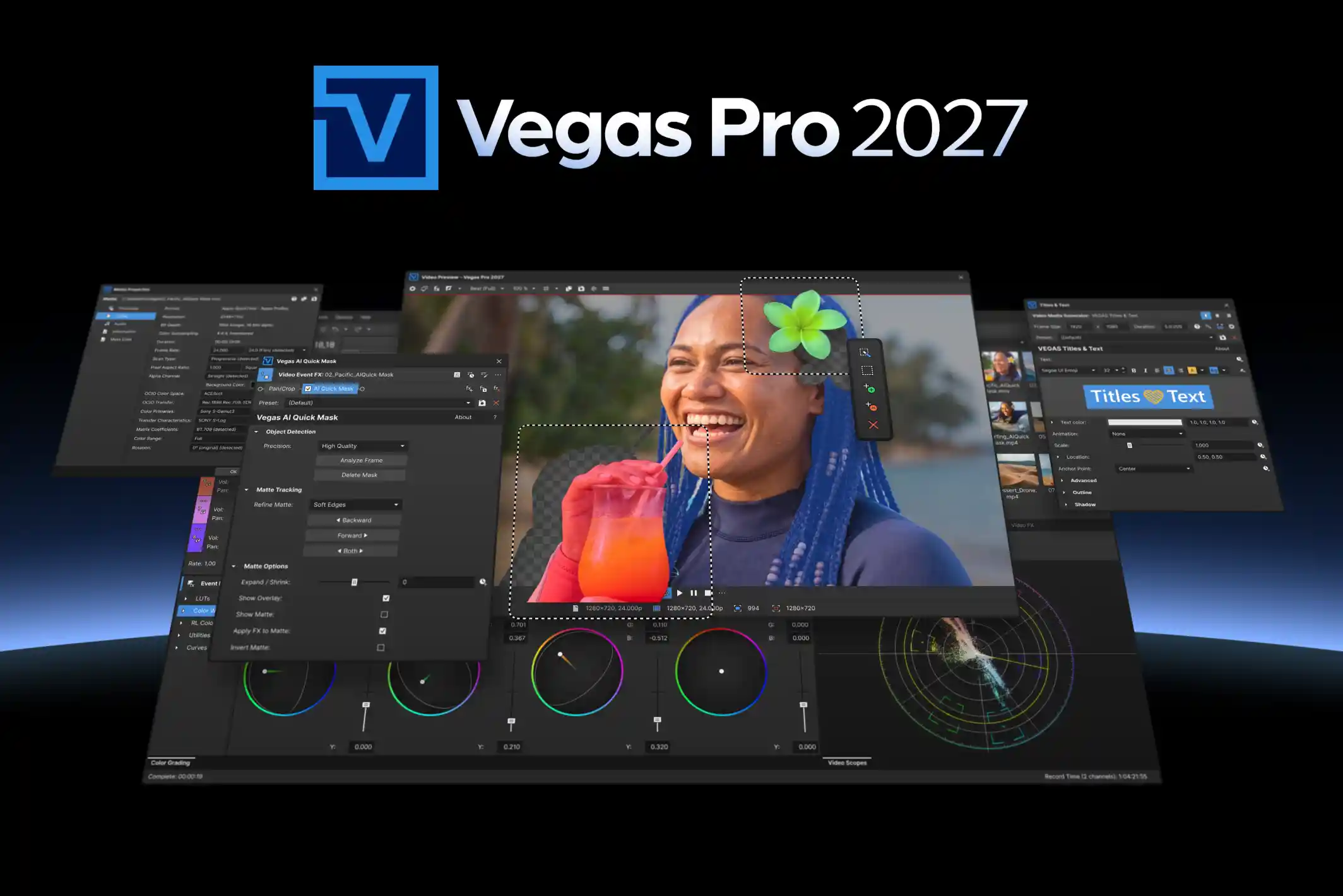
Vegas Pro 2027 takes the tedious parts of your workflow off your plate: mixed-camera color, render waits, captions, masks, file naming. So you can get back to the only parts that really matter. Shoot. Cut. Publish. Repeat.
Every camera. One timeline.
Color Management, Rebuilt
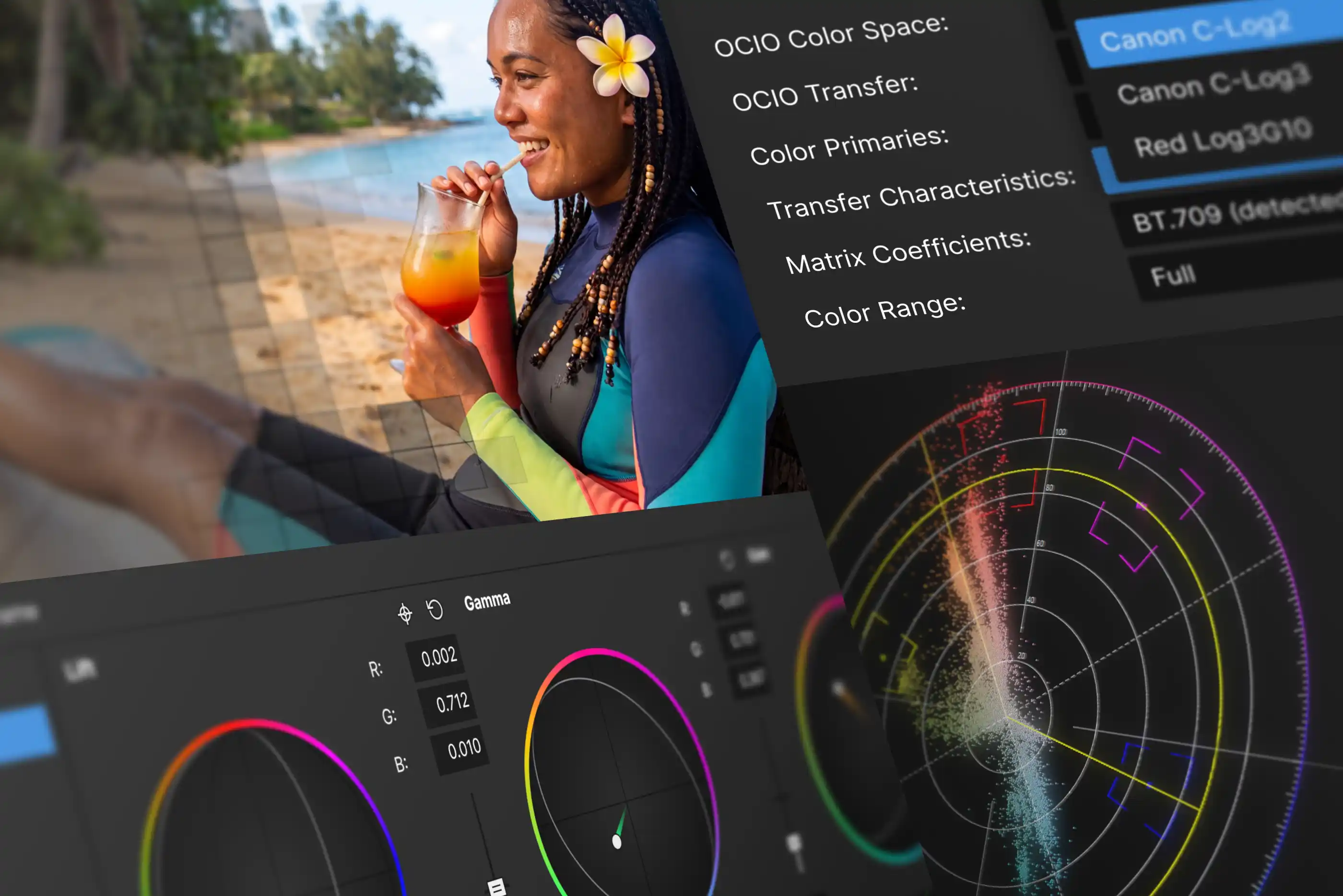
A-cam shoots Log. B-cam shoots HDR. Your phone shoots something else entirely. Vegas Pro 2027 reads each source on import and brings them into a single color-managed timeline, converting on the fly while you play back.
- Native engine support for a broad range of color spaces, including Log and HDR
- Improved automatic detection and interpretation of source color spaces
- Manual control over color primaries, transfer characteristics, and color range
- Fully GPU-accelerated color space conversion
- More predictable mixed-camera and mixed-color-space projects
Modernized Media Properties
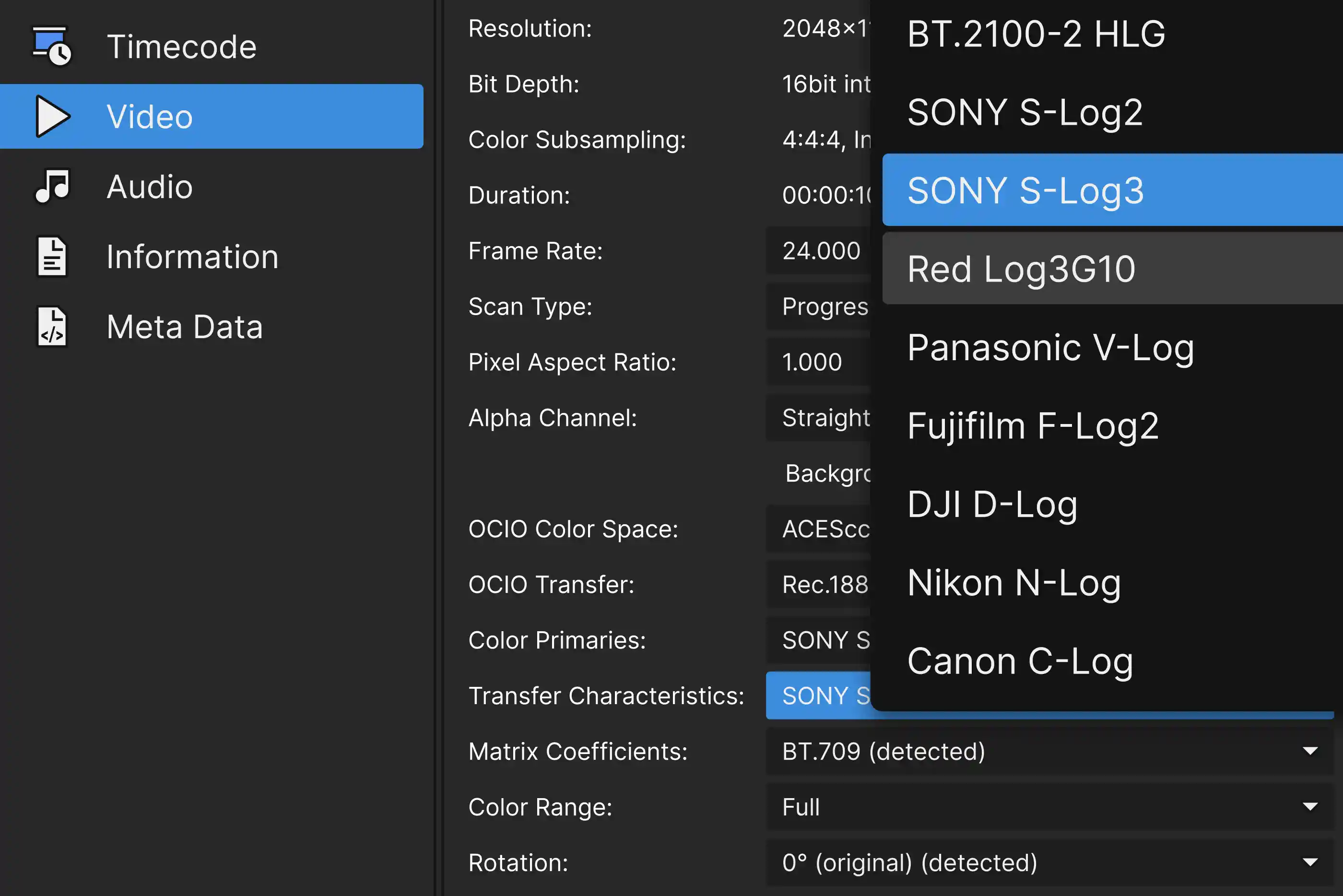
View and adjust critical information about all the media in your project in a completely redesigned dialog. Expanded color-space information and settings, clearer metadata, and technical details you can copy in one click and paste straight into an email, a shot list, or a project doc.
- Improved color-space information and settings
- Improved metadata presentation
- Easier copying of technical media information
Render. Publish. Repeat.
Faster Exports. Less CPU Load.
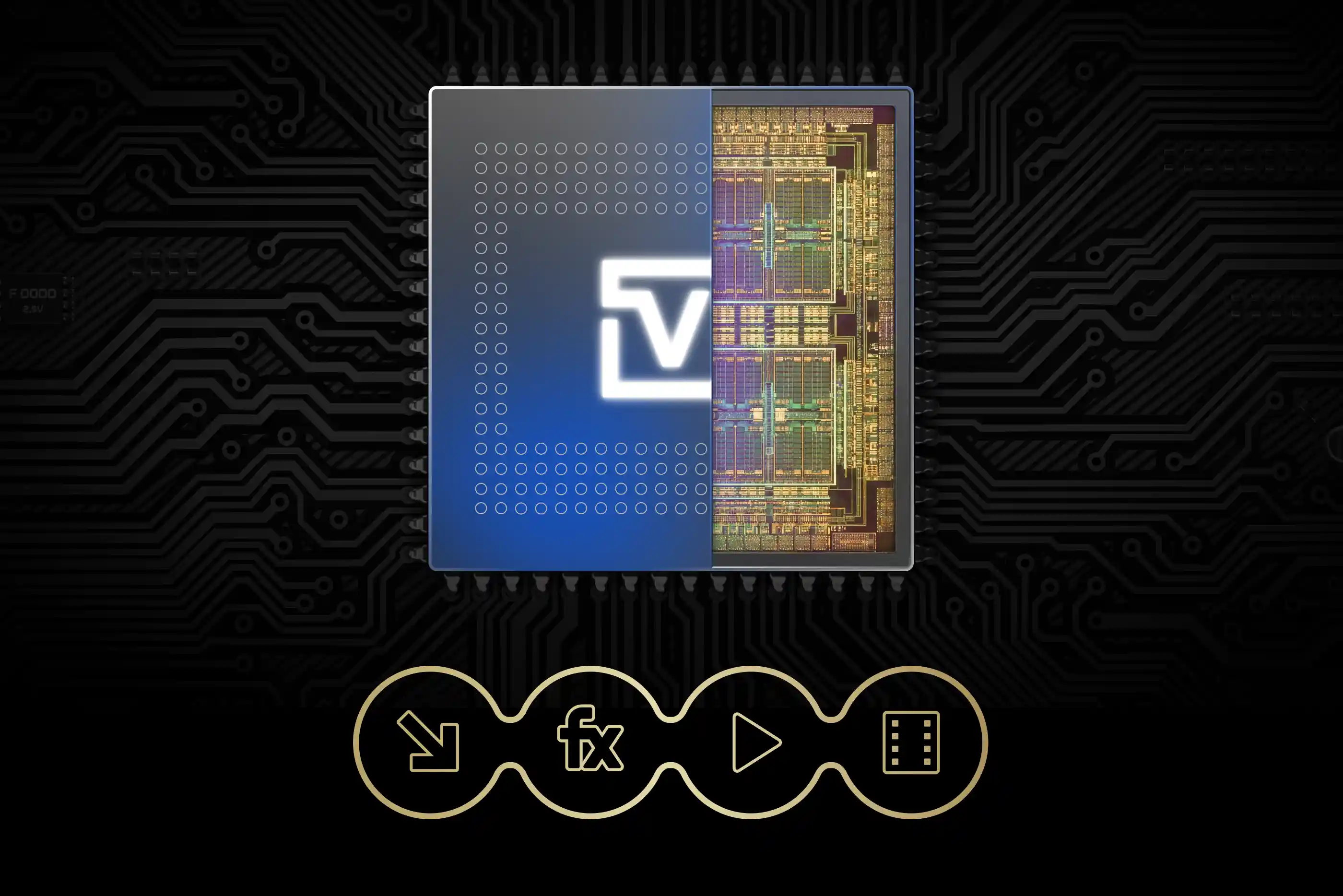
Get from final edit to finished file faster. An improved GPU pipeline transfers video frames to your hardware encoder more efficiently, avoiding unnecessary copies through system memory. This reduces CPU workload and speeds up exports, especially for simple edits, projects with fewer effects, and format conversions.
- More efficient frame delivery to hardware encoders
- Reduced CPU workload and improved GPU utilization
- Faster exports when memory bandwidth is the bottleneck
- Supported on NVIDIA, AMD, and Intel hardware
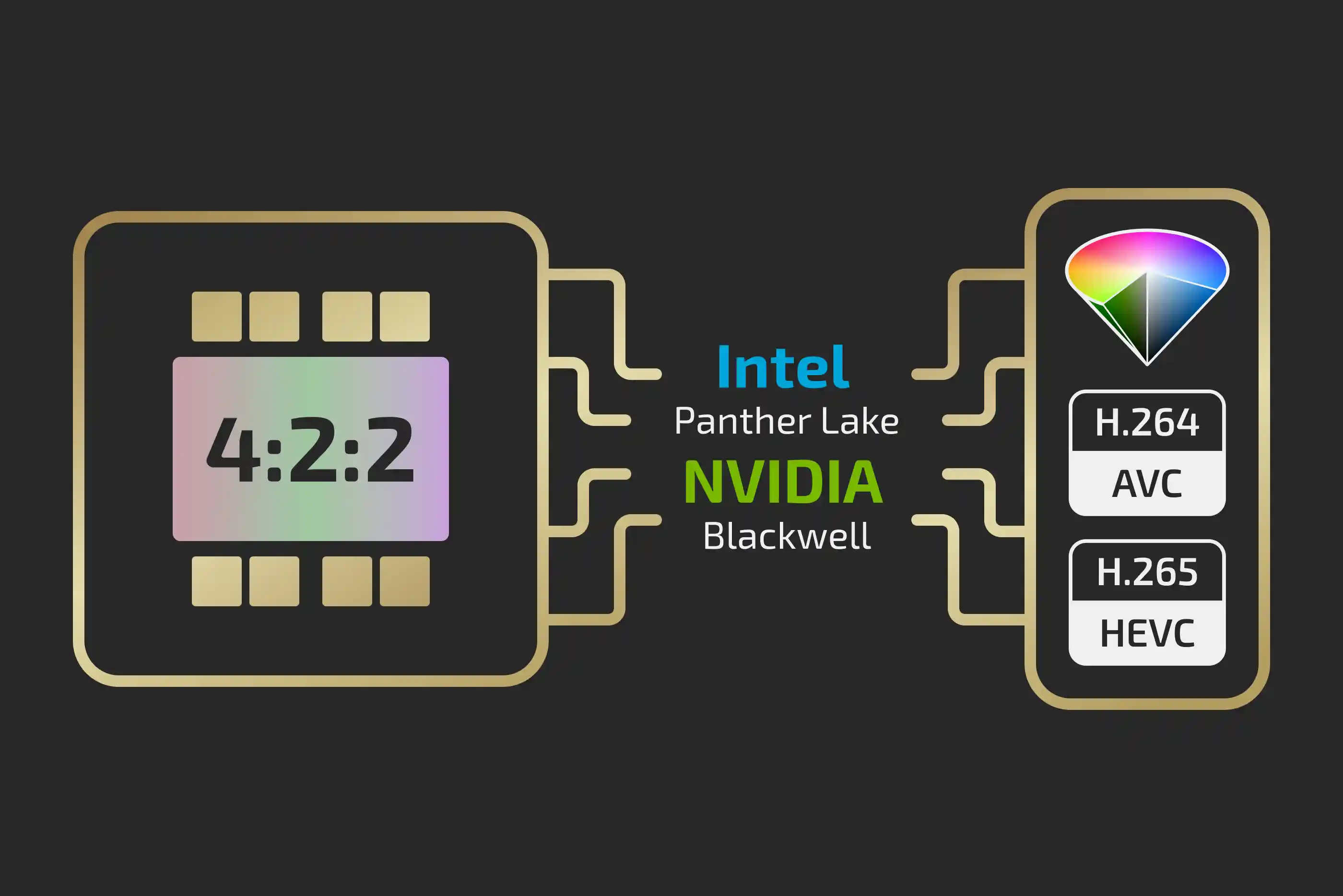
GPU-Accelerated Hardware Encoding
Building on last year’s 4:2:2 decoding support, Vegas Pro now adds hardware-accelerated 4:2:2 encoding for AVC and HEVC. Export directly from your timeline while preserving 4:2:2 chroma detail for broadcast, grading, and delivery.
- Hardware-accelerated 4:2:2 output in AVC and HEVC
- Supported on NVIDIA Blackwell GPUs and
Intel Panther Lake platforms - Preserves more color detail than 4:2:0 output
- Less reliance on external encoding tools
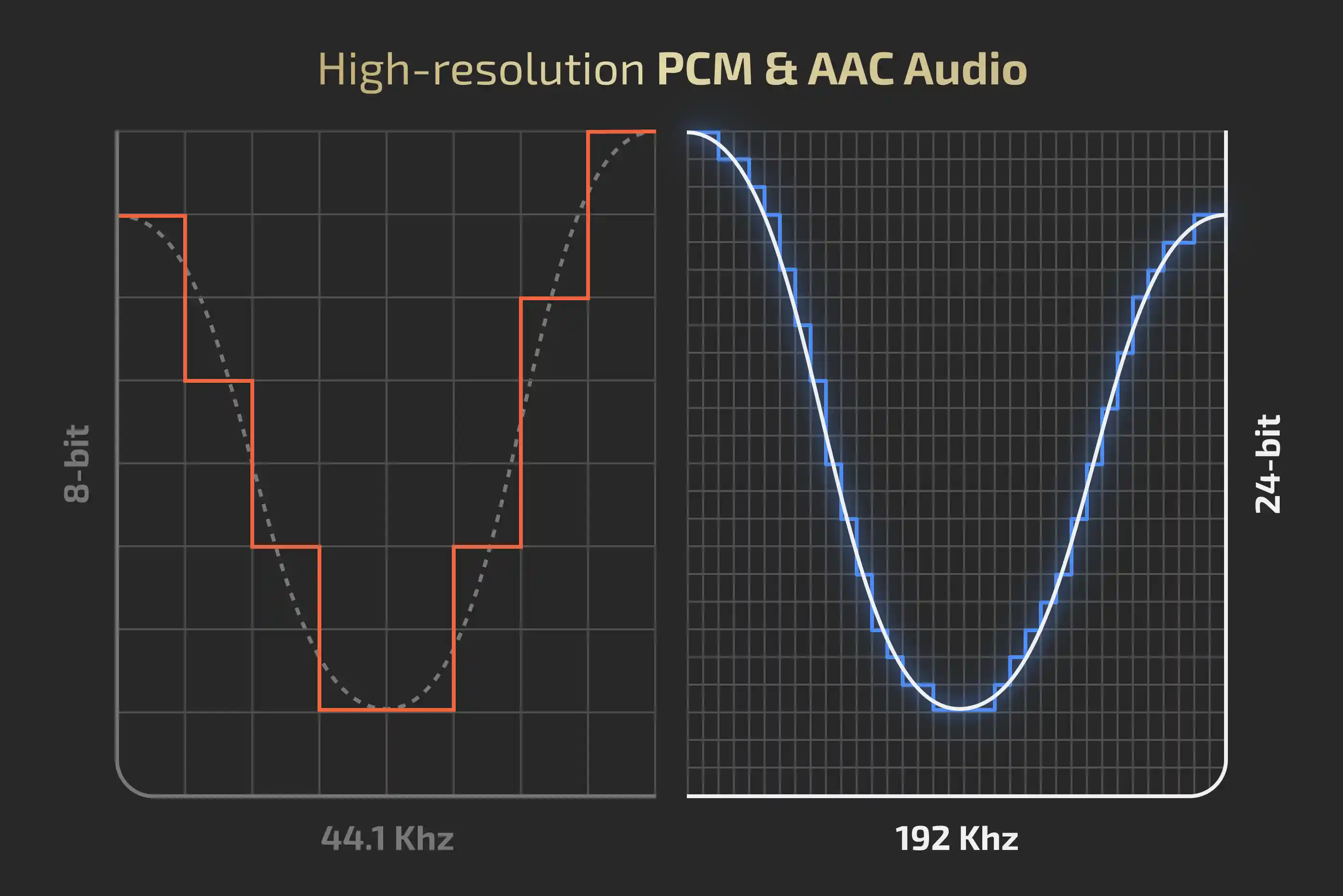
High-Resolution Audio Export
You spent an hour on the mix. Don’t hand it to an 8-bit down-converter at the finish line. Vegas Pro 2027 exports 24-bit PCM and AAC alongside AVC and HEVC video, straight into MP4 or MOV.
- 24-bit PCM and AAC audio in MP4 and MOV containers
- Sample rates up to 192 kHz
- Up to 32 audio channels
- The full quality of the Vegas audio engine, preserved
Let the machines do the boring bits.
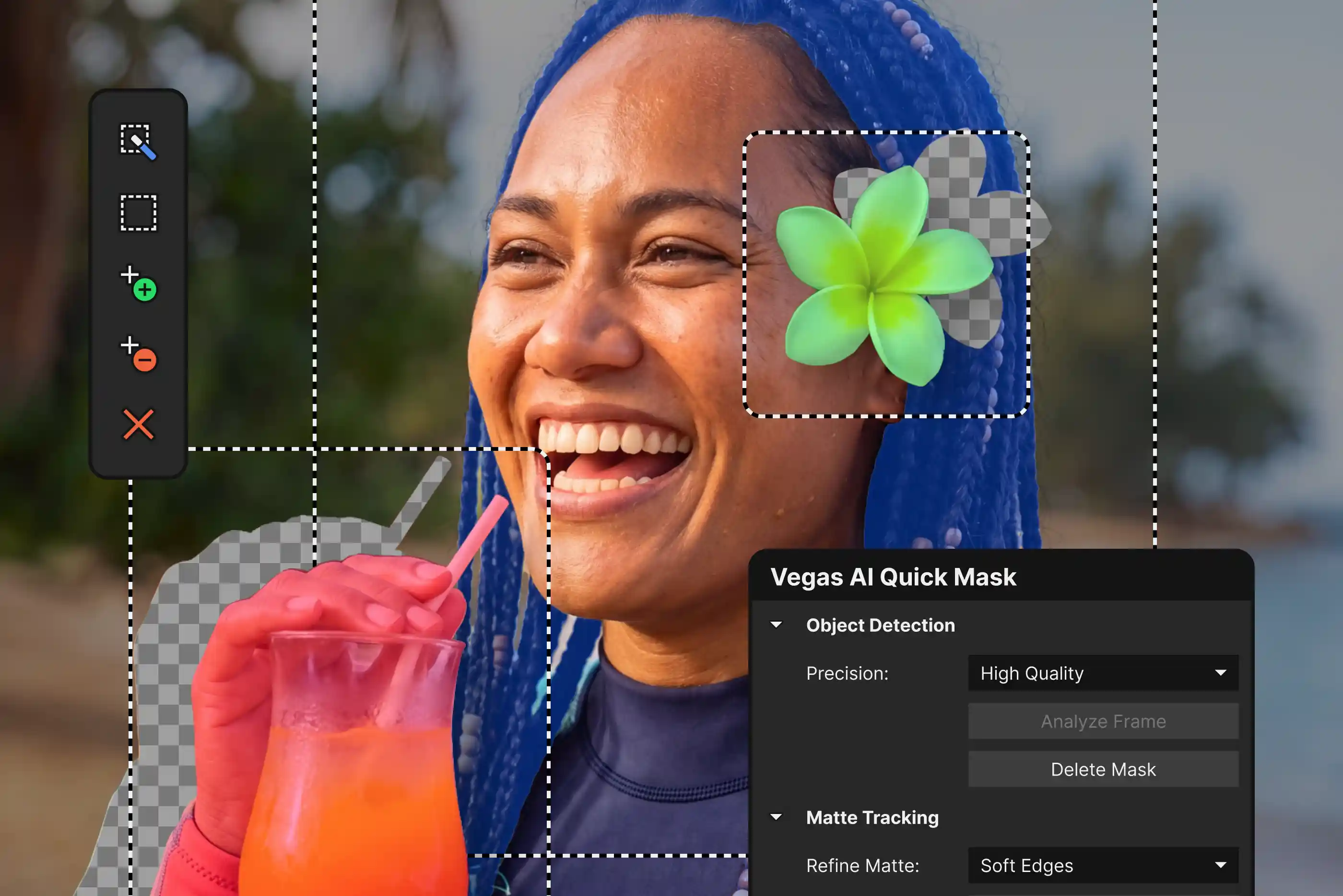
AI Quick Mask
Rotoscoping is the tax on every composite. AI Quick Mask brings Boris FX AI masking technology directly into the Vegas timeline. Pick your subject, and the mask follows it through the shot.
- AI-assisted object recognition and masking
- High-speed mask propagation
- More stable masks during motion
- On average 20x faster than Smart Mask 2.0
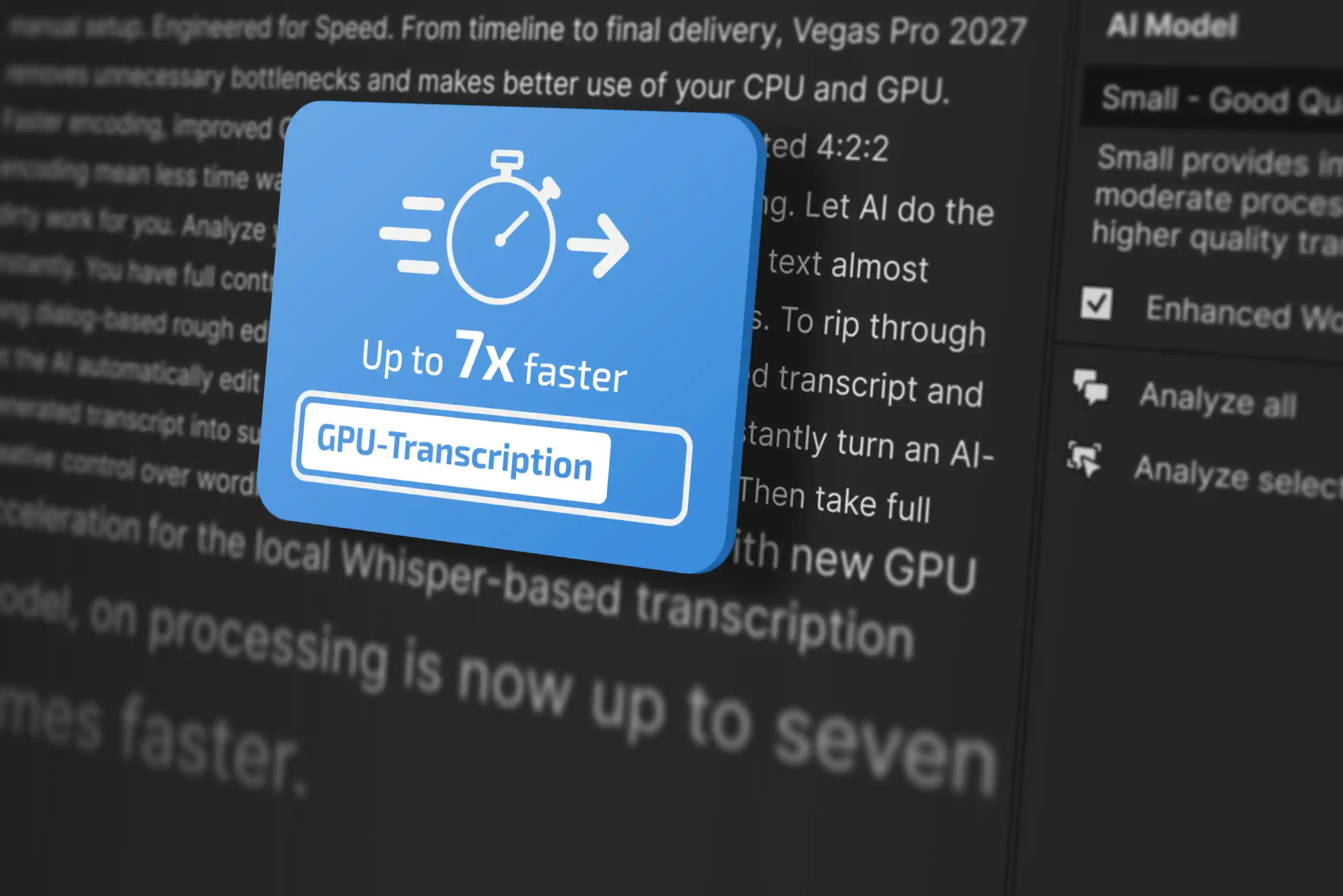
GPU-Accelerated Transcription
(Subscription Only)
Subtitles are no longer optional, and the people watching with the sound off don’t care how long your transcript took. Speech to text now runs on the GPU, so long recordings transcribe faster and subtitles land in your timeline sooner.
- GPU-accelerated transcriptions powered by Whisper
- Faster transcription of long recordings
- Shorter subtitle workflows on larger projects
- Automatic hardware detection with CPU fallback
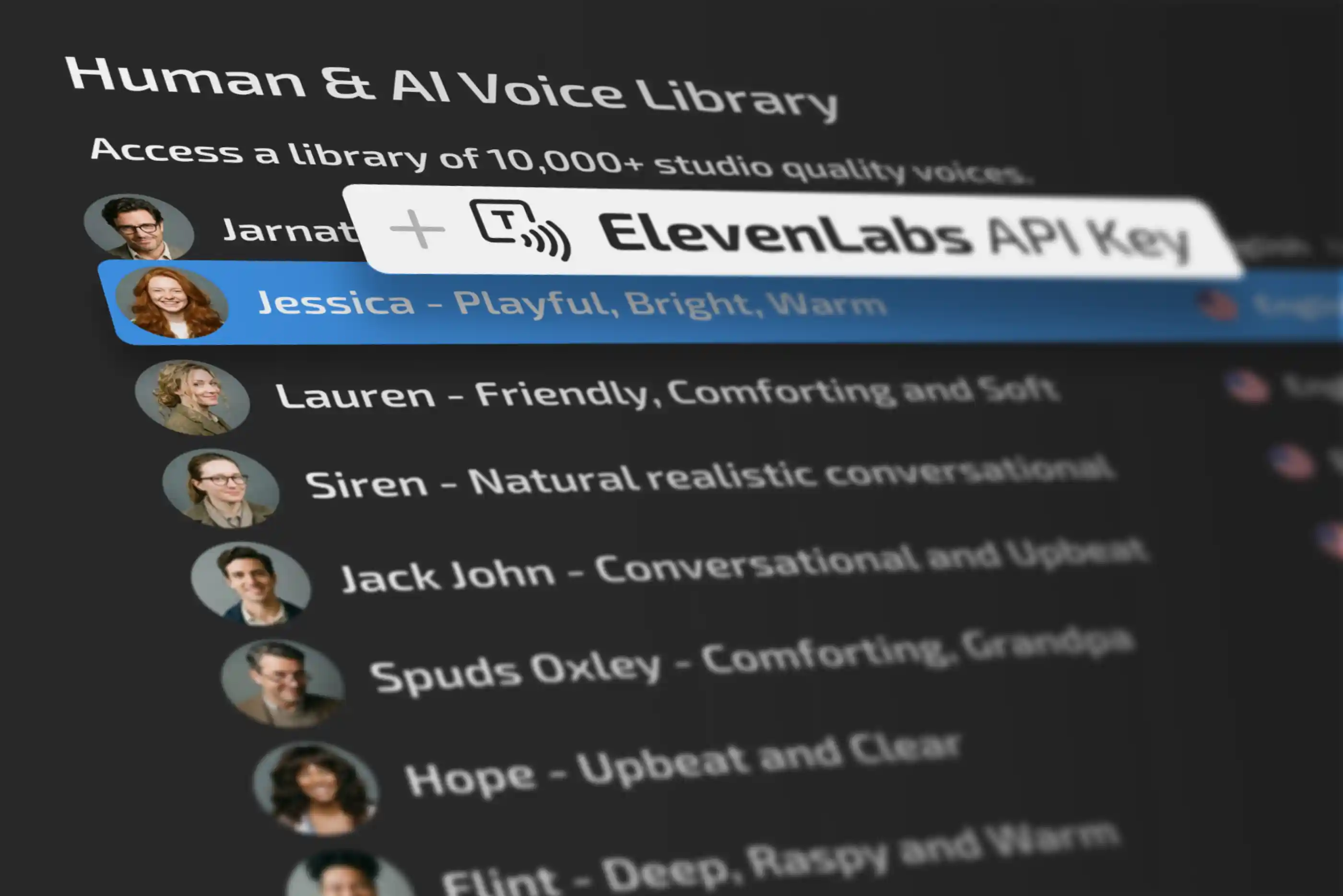
ElevenLabs Text to Speech
(Subscription Only)
The offline voices are still here but now there’s a second option. Add your own ElevenLabs API key and generate narration from ElevenLabs’ voice library without leaving your edit.
- Optional online text-to-speech provider
- Access to a large library of high-quality ElevenLabs voices inside Vegas Pro
- Bring your own ElevenLabs API key
*ElevenLabs requires a separate ElevenLabs account. No ElevenLabs usage credits are included with Vegas Pro.
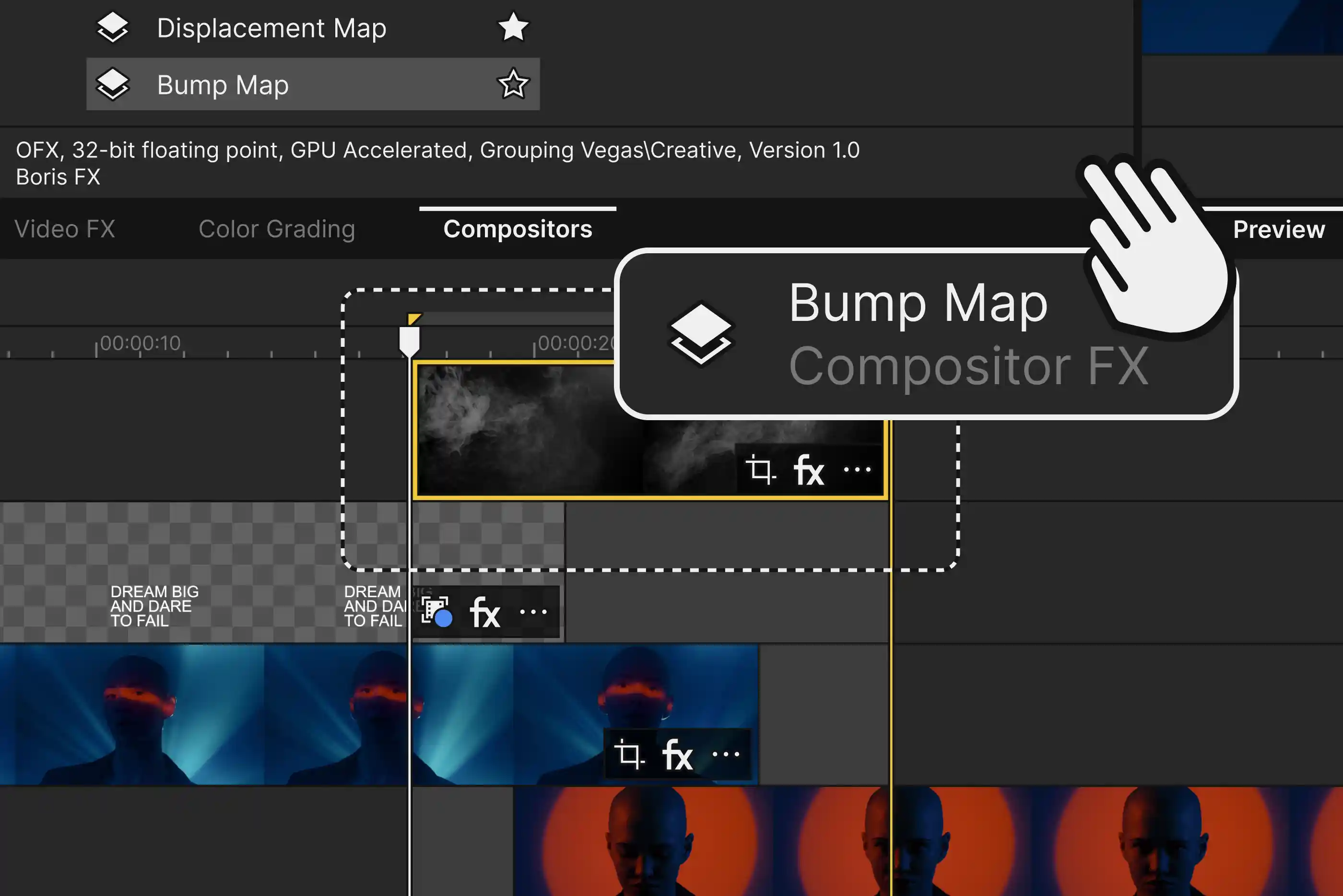
Composite FX on Video Events
Some of the best OFX effects, including BCC+ Primatte Studio, need two images to work with. Until now that meant restructuring your tracks. In Vegas Pro 2027, compatible plugins take a secondary image input directly on a single video event.
- Support for OFX effects that require two image inputs
- Improved compatibility with BCC+ composite effects, including Primatte Studio
- Advanced blending, keying, and transition workflows at event level
- No track-hierarchy rework required
Shoot on anything. Cut with anyone.
Nikon ZR N-RAW Support
The Nikon ZR puts RED’s RAW technology in a lot more hands. Vegas Pro 2027 reads it natively, so footage goes from card to timeline without a transcode in between.
- Native support for Nikon ZR N-RAW footage
- No transcoding or intermediate conversion required
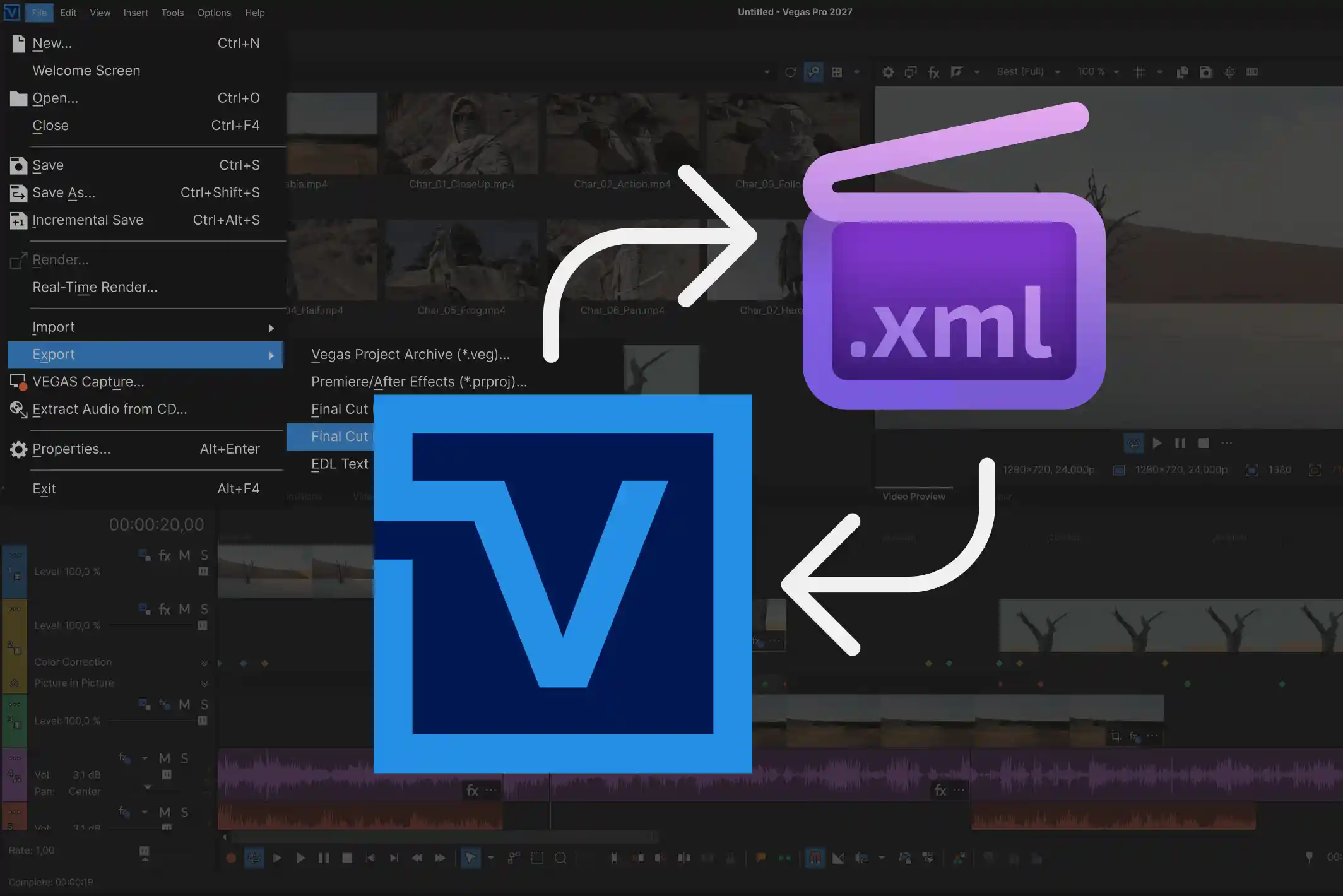
Updated Final Cut XML
Productions run on more than one application, and your project shouldn’t be the thing that can’t leave the room. Vegas Pro 2027 updates its Final Cut XML import and export for newer versions, so round-trips to other editing and grading systems are more reliable.
- Compatibility with newer Final Cut XML versions
- More stable project import and export
- Better collaboration with external NLEs
The small stuff that eats your day.
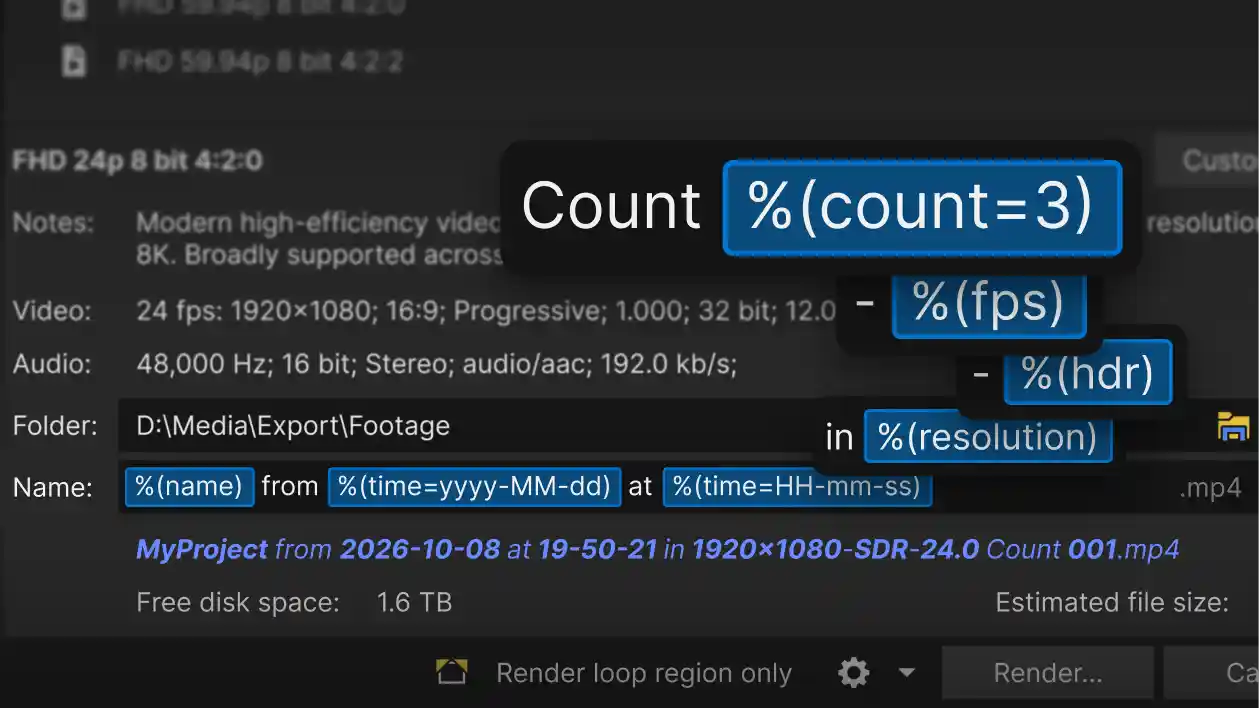
Dynamic Render Filenames
Six versions, three platforms, one client who wants the date in the filename. Build a template once in the Render dialog and every export names itself.
- Tokens for project, frame rate, resolution, codec, preset, date, time, and counter
- “Insert placeholder” picker, so there’s no syntax to memorize
- Live preview of the resolved filename before you render
- Counters compatible with %d and %i formats
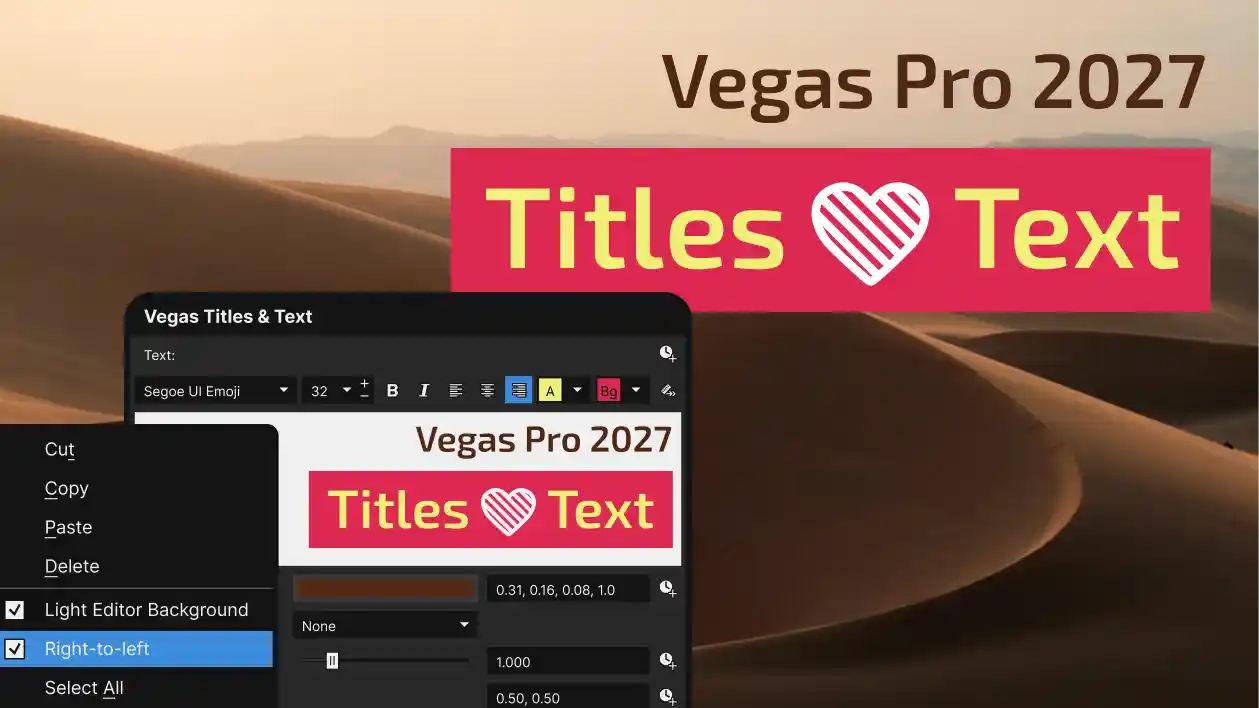
Vegas Titles & Text, Improved
Your audience is international. Now your titles are too. The built-in titler picks up the things you’ve asked for.
- Character-based foreground and background color
- Right-to-left text support
- Expanded Unicode and multilingual support
- Auto Subtitles with adjustable foreground and background colors

ARM Platform Support (coming soon)
A native build for Windows on ARM, built for Snapdragon X and X2 and NVIDIA RTX Spark systems. Hybrid compatibility with existing x64 components.
And more
- ProRes encoding unlocked up to 8K
- Storyblocks: audio and video categories plus a resolution filter (Subscription Only)
- Updated DeckLink, RED, and MainConcept SDKs
- Numerous stability and performance optimizations
More fun toys included.
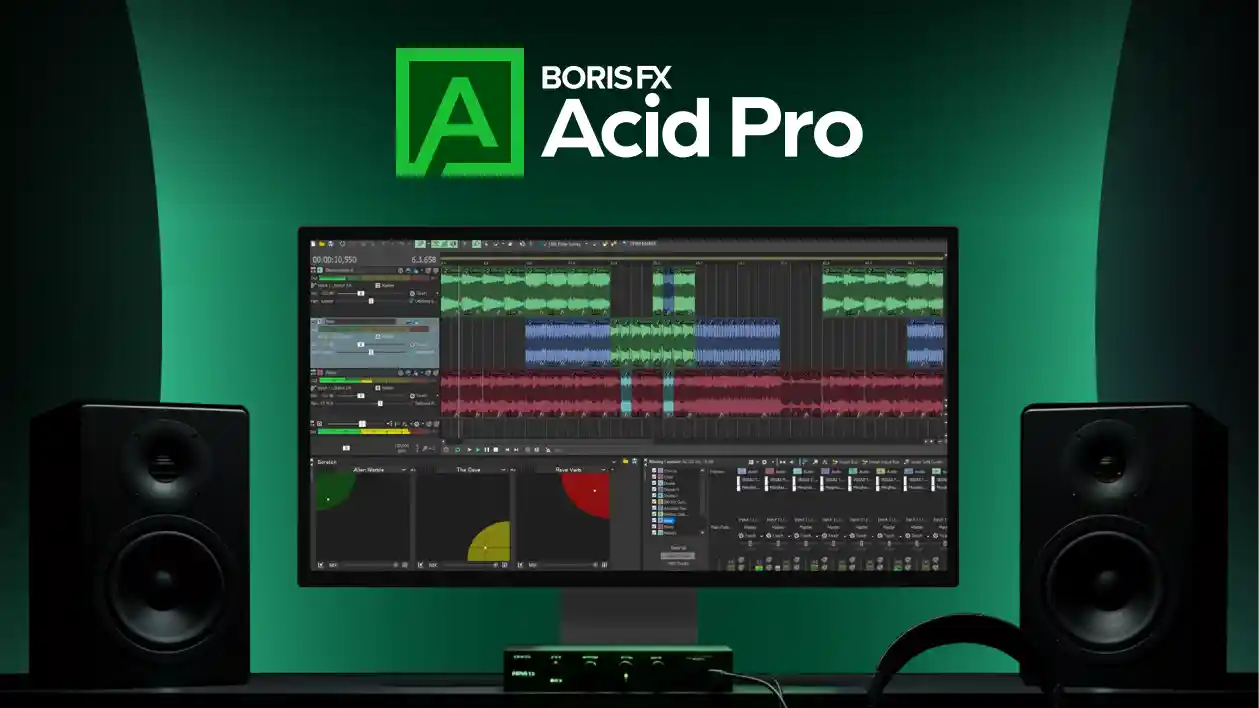
Acid Pro included with Vegas Pro Plus and Vegas Pro Ultimate
Build your soundtrack instead of hunting for one. Acid Pro’s loop-based music production comes standard with Plus and Ultimate, so the beat under your cut is yours, not a licensing headache.
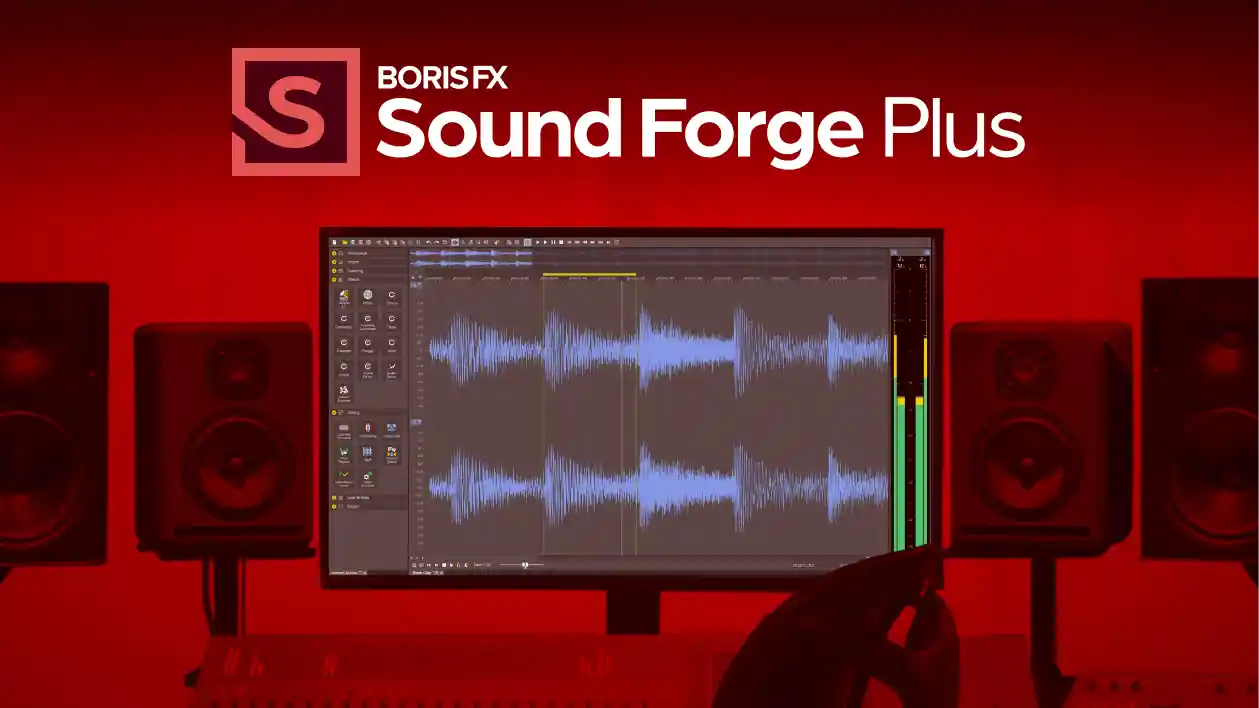
Sound Forge Plus included with Vegas Pro Ultimate
Get the audio right down to the sample. Sound Forge Plus ships with Ultimate for detailed cleanup, restoration, and mastering when the timeline’s audio tools need a specialist in the room.
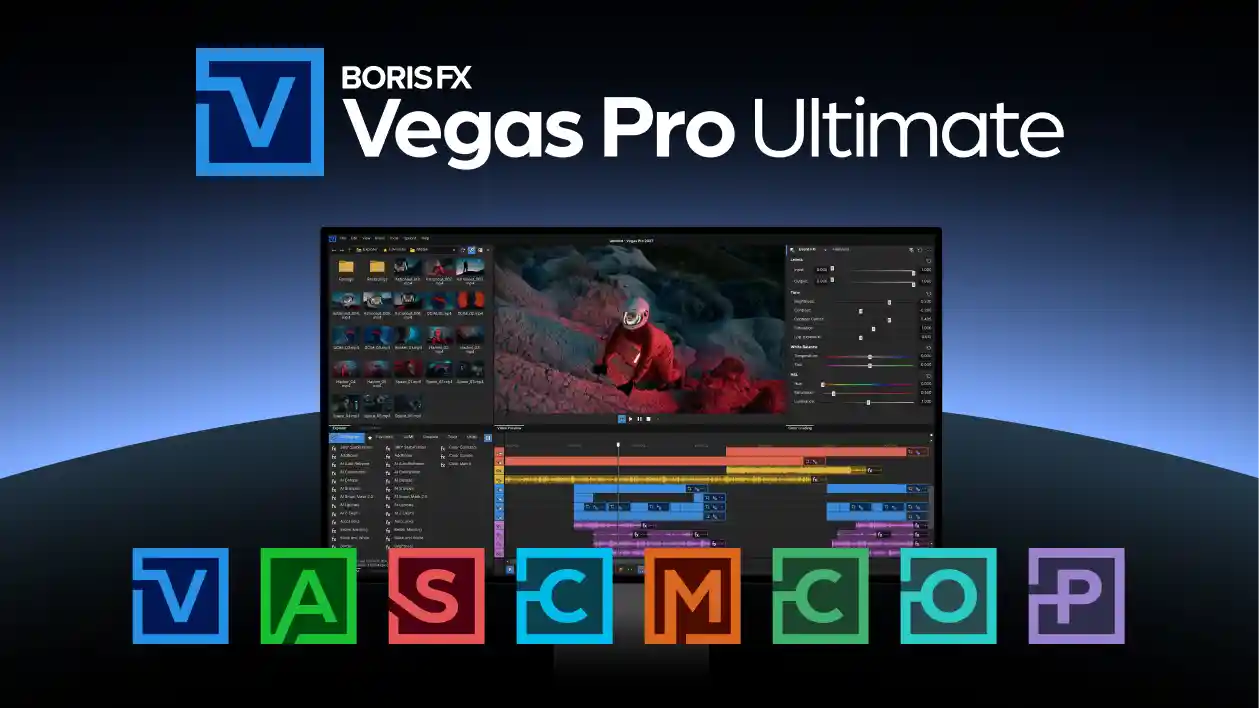
Vegas Pro Ultimate available as a perpetual license
Own the whole toolset outright. For the first time, Vegas Pro Ultimate is available as a perpetual license: buy it once, keep it, and stop watching the renewal calendar.
Powerful features from previous updates.
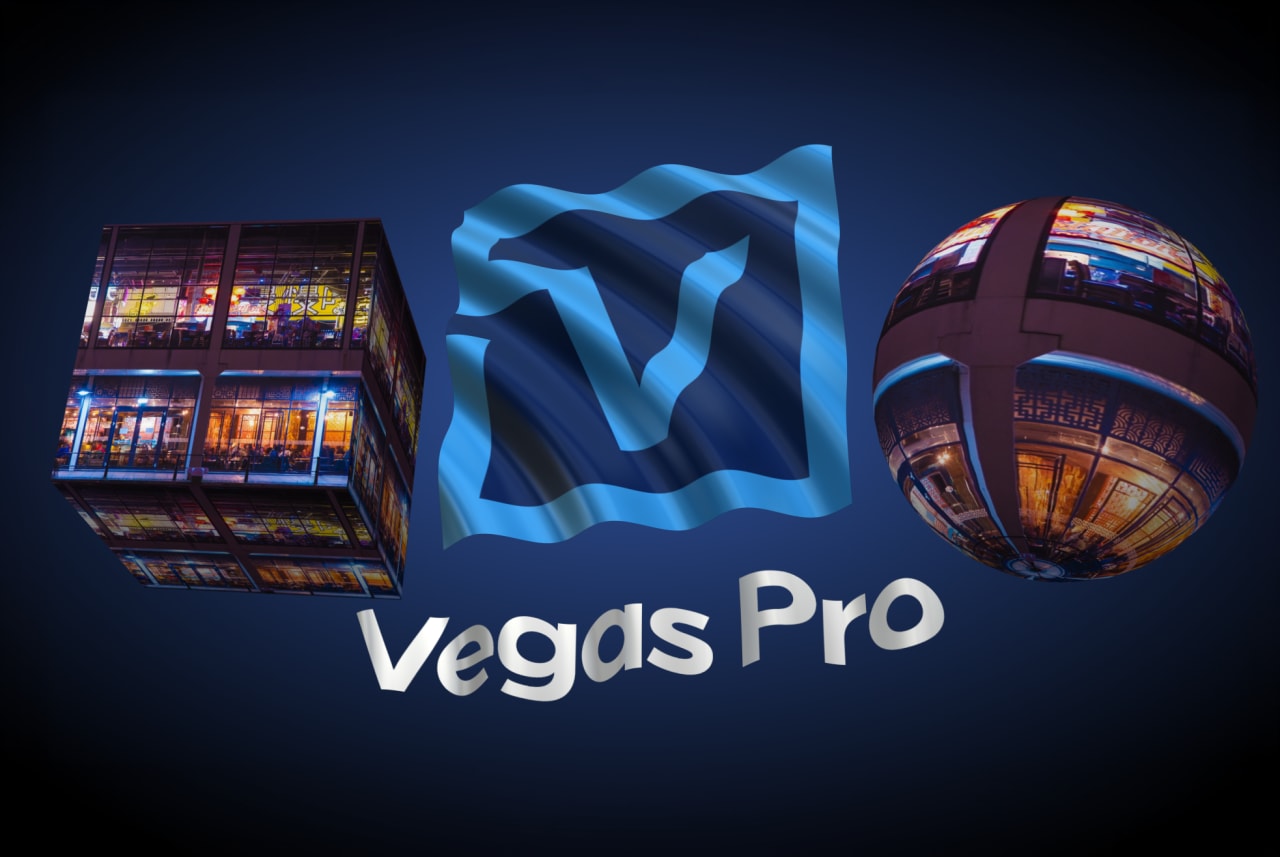
Layer Deformer
Reshape and animate titles in 3D space.
- Bend and arc text layers
- Apply perspective-based warping
- Create dimensional motion effects
Layer Deformer adds dynamic curvature and depth without complex compositing.
Type On Text
Precision text reveal animation with procedural control.
- Animate by character, word, or line
- Typewriter-style and cursor animation
- Custom easing and timing controls
- Gradient fills, outlines, and drop shadows
Perfect for tutorials, callouts, social content, and modern typography.
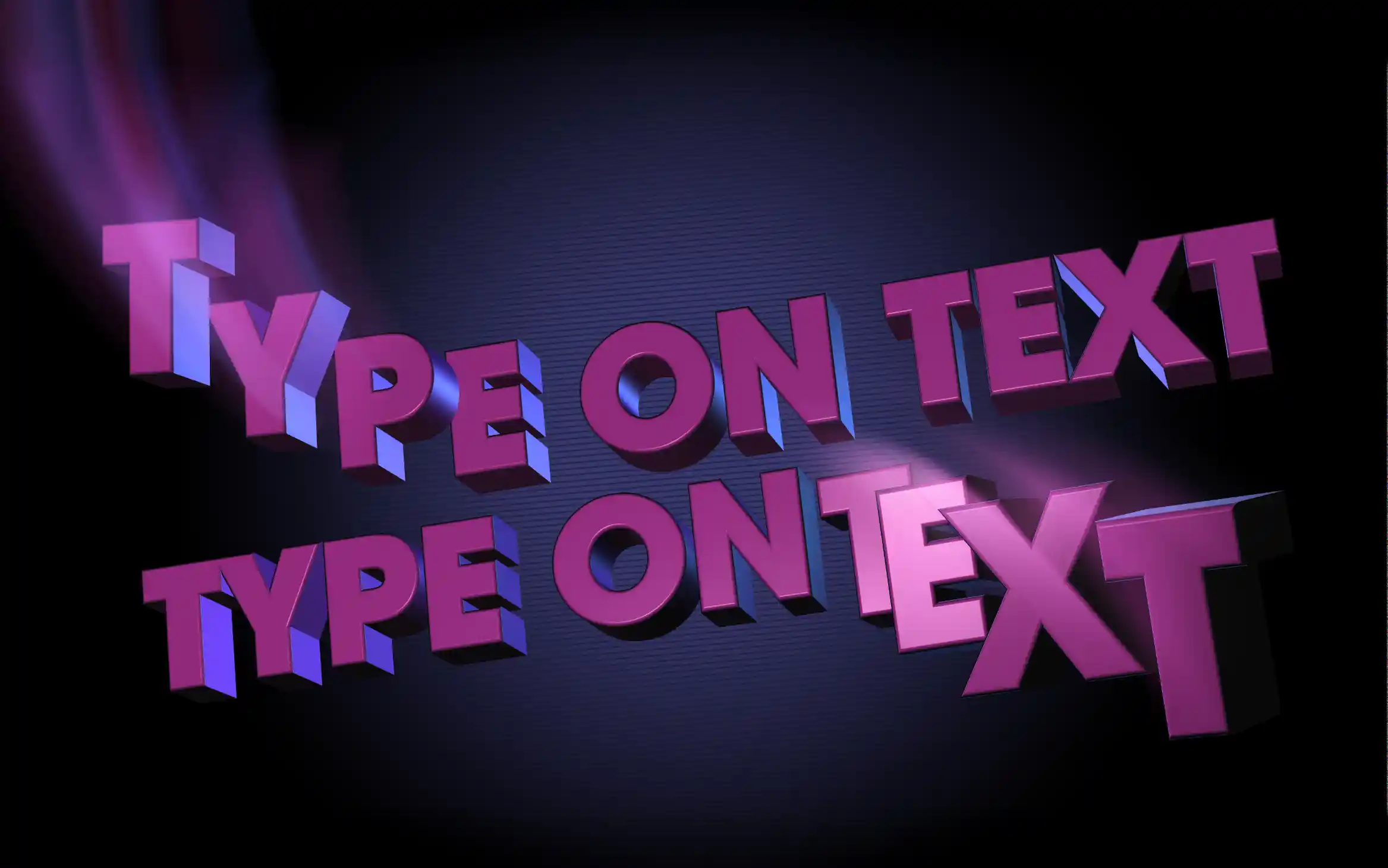
Extruded Text
Create depth-rich 3D typography directly in Vegas Pro.
- True 3D text extrusion
- Adjustable bevel and depth controls
- Real-time lighting and shadow casting
- Material and surface styling
Ideal for logo builds, dramatic title sequences, and broadcast graphics.

Extruded EPS and Spline
Import and extrude vector artwork and turn shapes into 3D geometry.
- Load EPS vector files
- Convert logos into 3D geometry and extrude shapes
- Control depth, bevel, lighting, and shadows
- Apply lighting and material controls
Design dimensional graphic elements with precise shape control

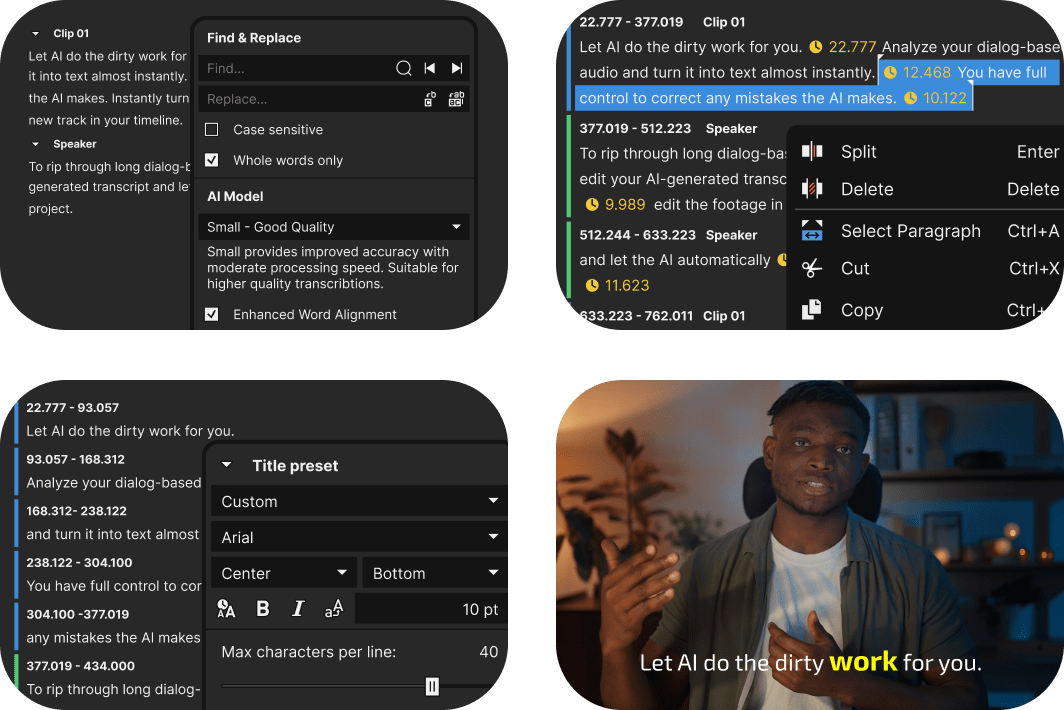
Fully Offline Speech-to-Text-to-Speech
Keep your data private with the new offline Speech to Text transcriptions. Or generate voice-overs directly on your PC without uploading audio or relying on cloud services.
Vegas Pro 2027 includes multiple AI models so you can choose between faster CPU processing or maximum quality on supported GPUs.
- Text-based editing with automatic subtitle creation
- Support for 100+ STT and 9 TTS languages
- Unlimited transcription usage and no length restrictions
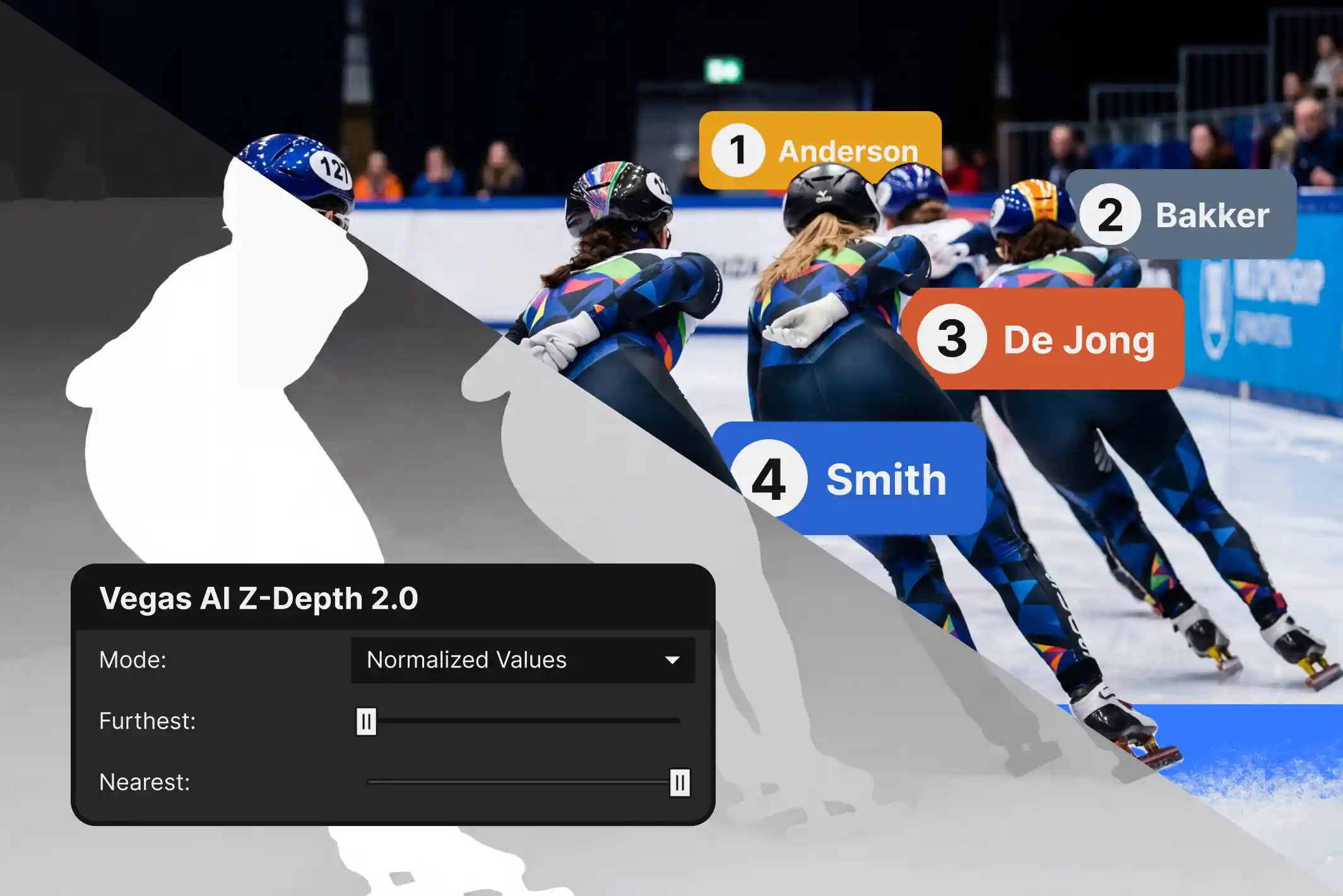
Z-Depth 2.0 with Updated AI Depth Model
Z-Depth 2.0 features a newly trained Boris FX AI depth model for more accurate foreground and background separation.
- Higher-resolution depth masks
- More detailed depth layer detection
- Improved temporal smoothing
- Reduced flicker across frames
Integrated Storyblocks Access
(Subscription Only)
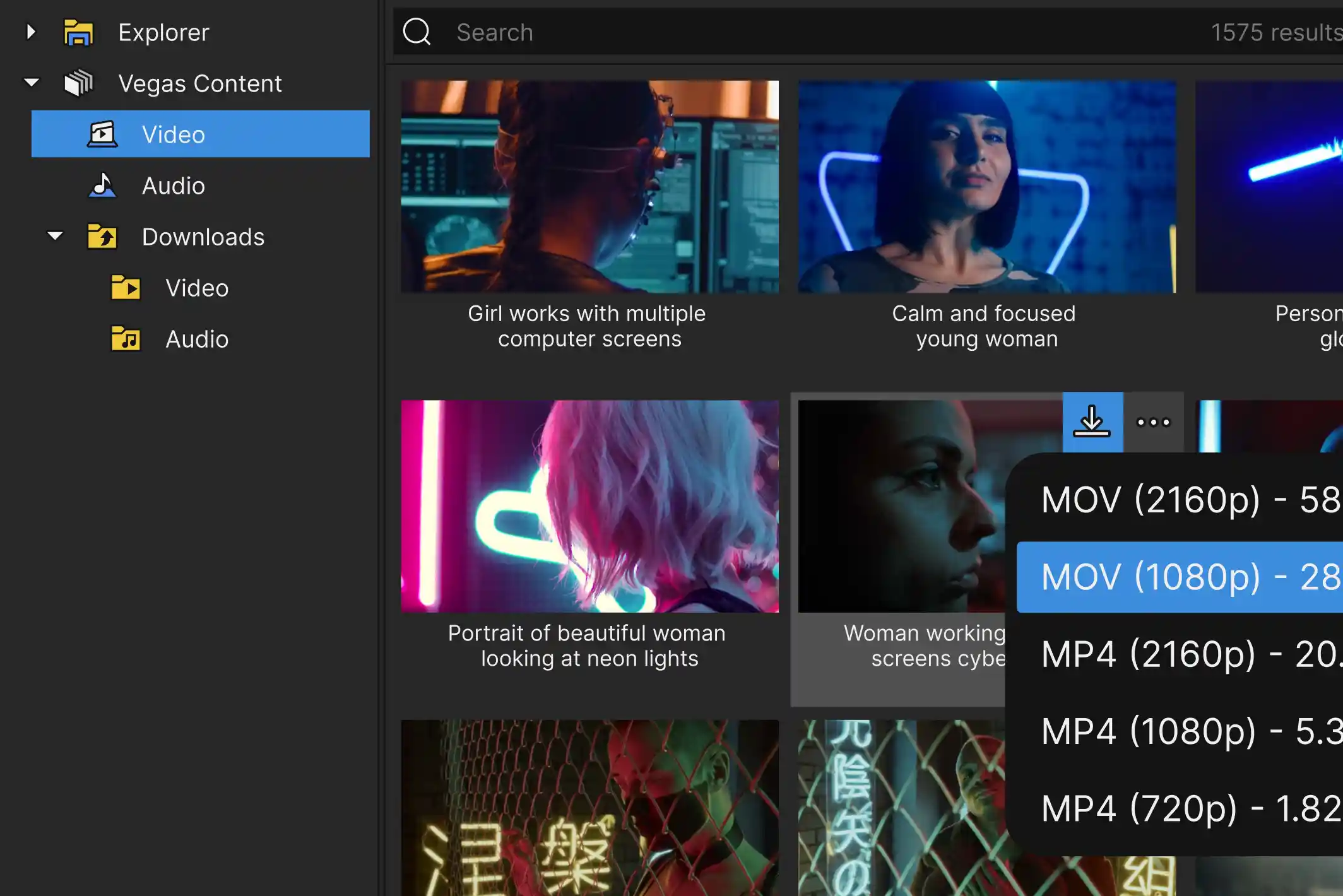
Subscription users receive integrated access to the Storyblocks content library. Download video footage, music, and sound effects directly inside Vegas without interrupting your workflow.
- Unlimited downloads
- Multiple resolution and format options
- Filters for commercial and release-cleared content
- Direct integration through the Explorer window
General Performance and Stability Improvements
Vegas Pro 2027 includes extensive engine optimizations and performance enhancements designed to improve reliability and responsiveness across projects.
- Core engine optimizations
- Improved GPU utilization
- Faster project loading and timeline responsiveness
- Stability improvements across complex workflows


Vegas Core Engine
Chew through video files like candy
Lightning-fast playback that shows exactly what you’ve created. Enjoy smooth previews with far fewer dropped frames and rock-solid performance.
Experience next-level color precision
Precise control over color grading with a modeless workflow that keeps your color tools handy at all times without leaving your timeline.

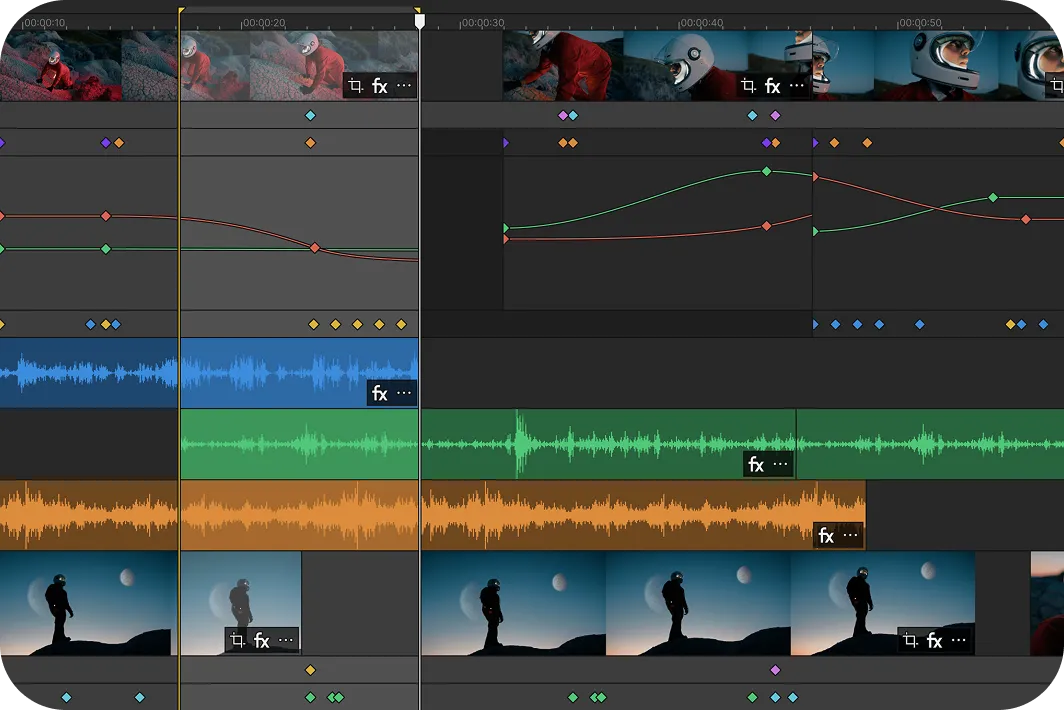
Stay focused with the enhanced timeline
All your essential editing tools are right where you need them: fully integrated into the Vegas Pro timeline. No need to switch to a special mode.
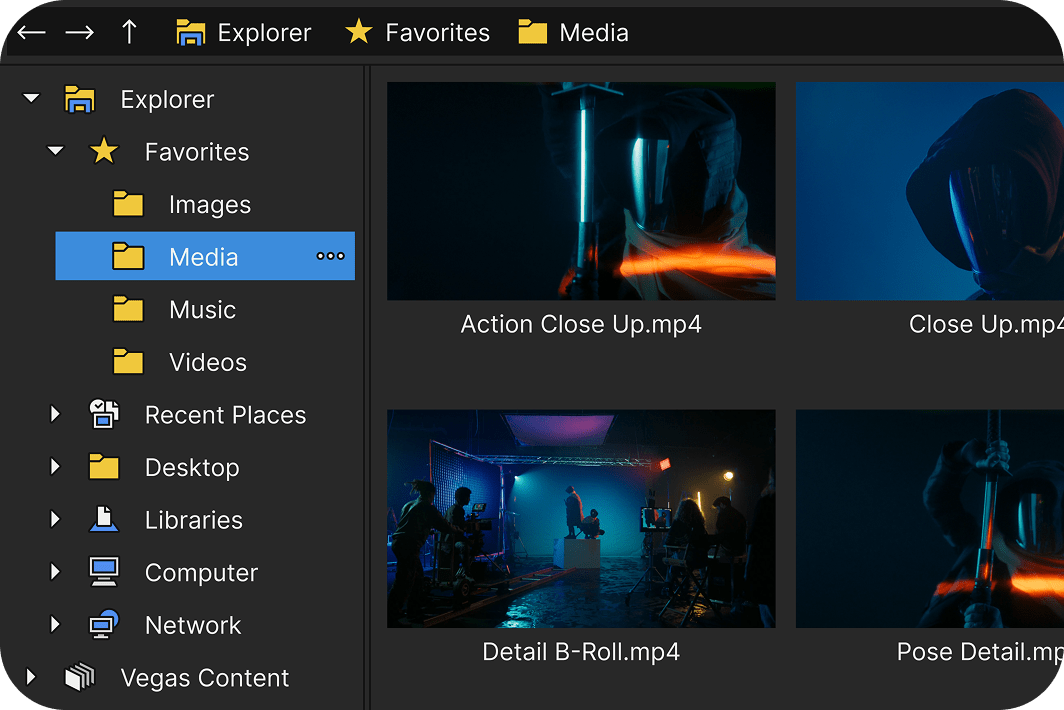
Get organized with the Explorer window
Brings all your storage locations into one logical window for easy access to media files.
Hassle-free export to any format
Choose the perfect export and render settings with pro-level flexibility in an interface that’s easy for beginners.

Innovative editing tools and workflows.
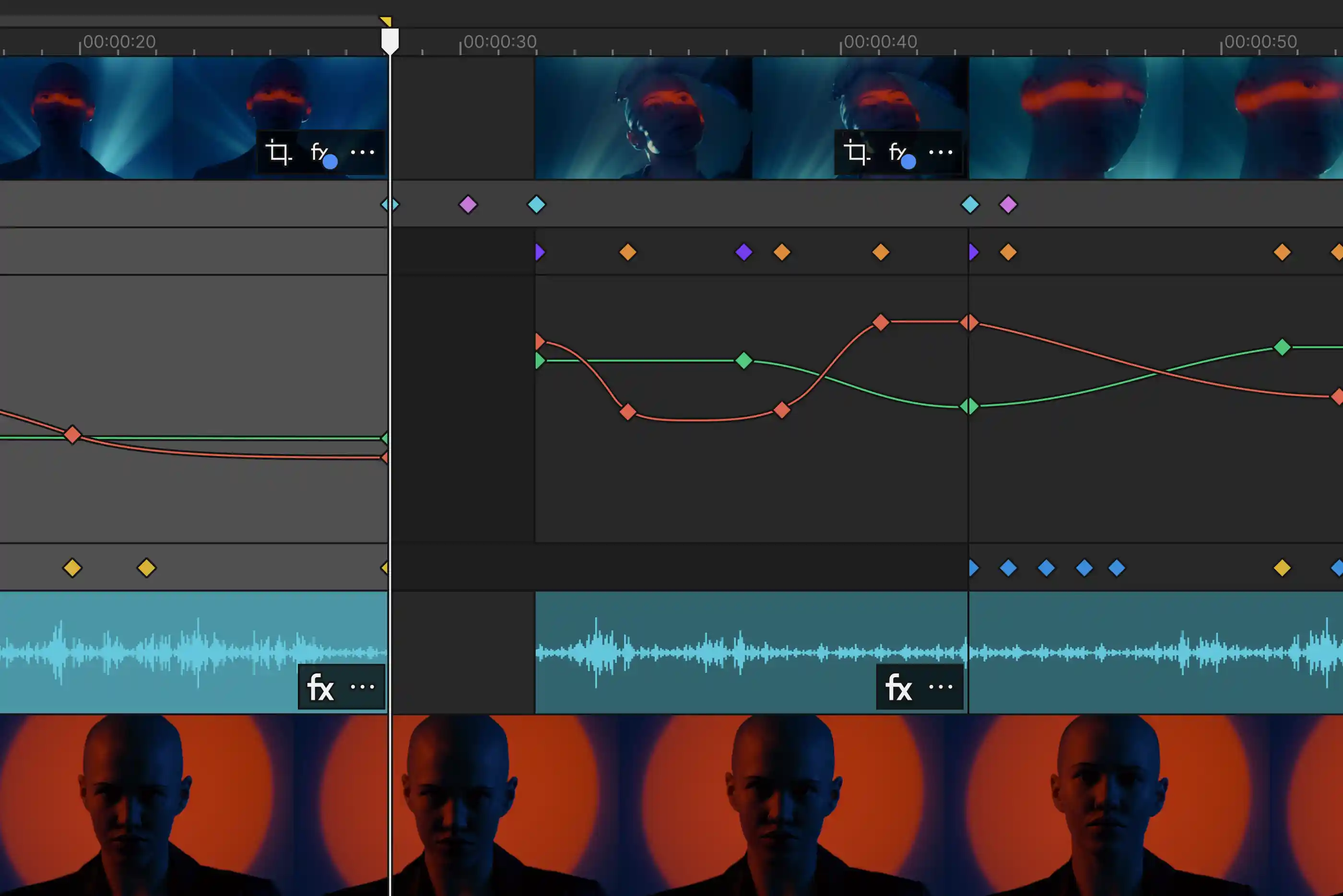
Transform how you create effects
Keep your creative momentum while you build video effects. Add and adjust envelope keyframes for event- and track-level OFX filters right in the timeline, without breaking your focus.
Save time with VFX packages
Save your favorite FX chains and settings, including parameter animations, in a single package that you can reapply anywhere else.
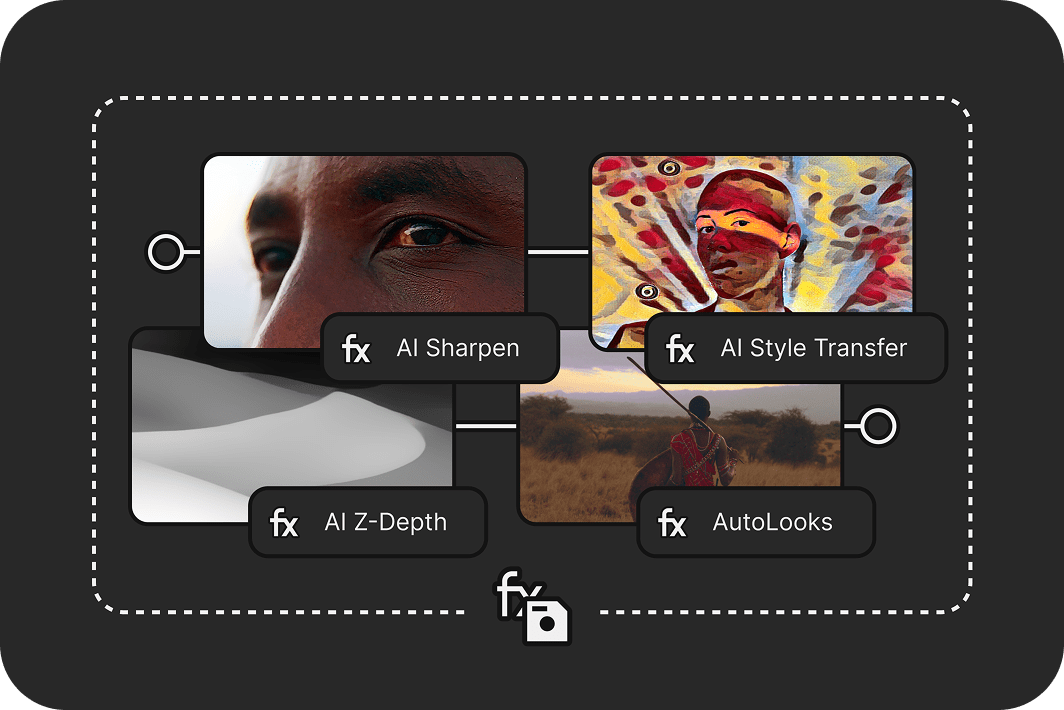
Record gameplay with Vegas Capture
Quickly record your screen, webcam, and audio, then transfer everything straight into your Vegas Pro timeline with tight integration.
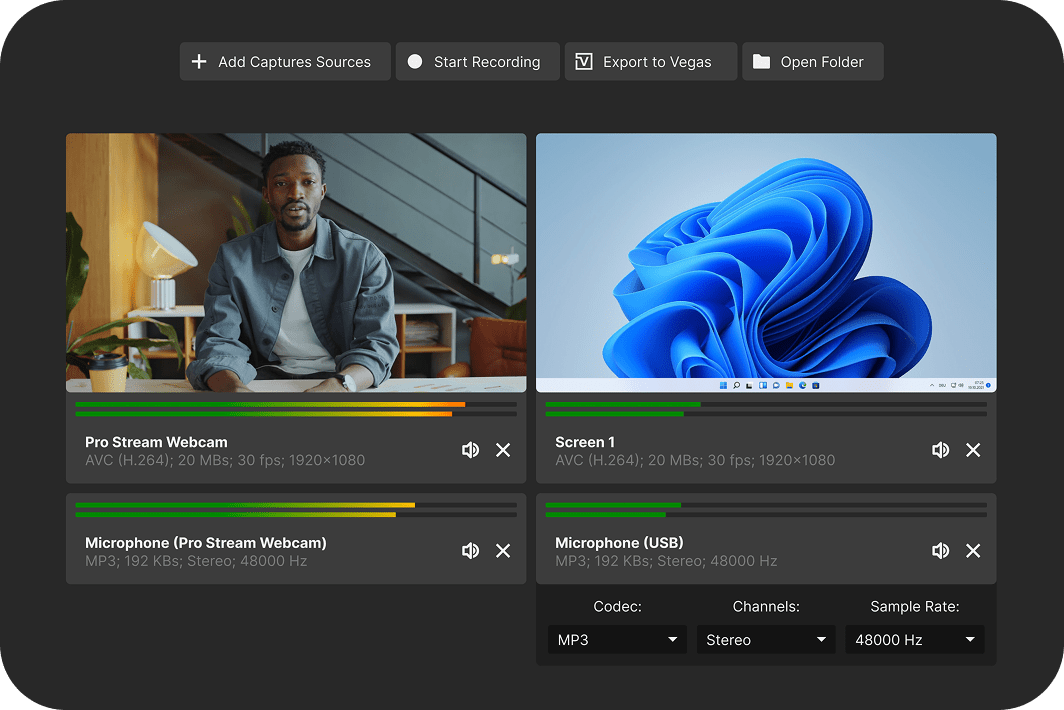
Turn mobile clips into pro-quality videos
Bring out the best in your footage with camera LUTs that match Samsung and Apple color profiles for professional and accurate results.
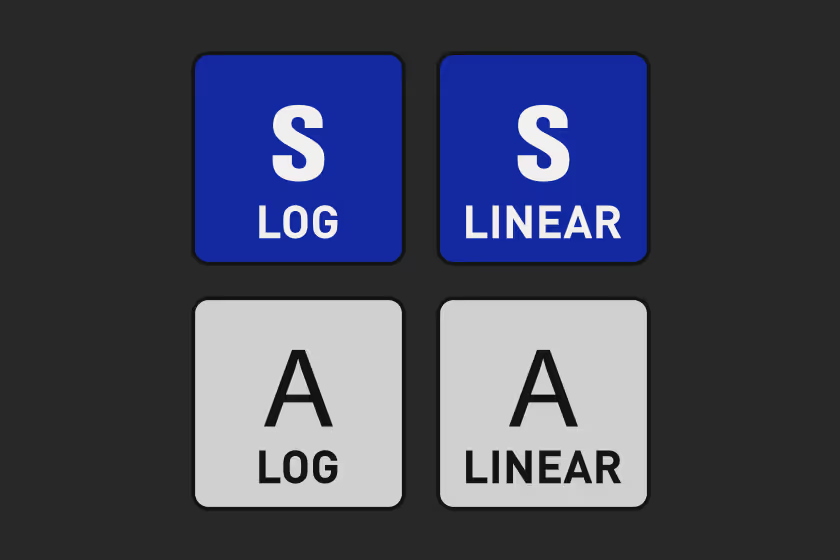
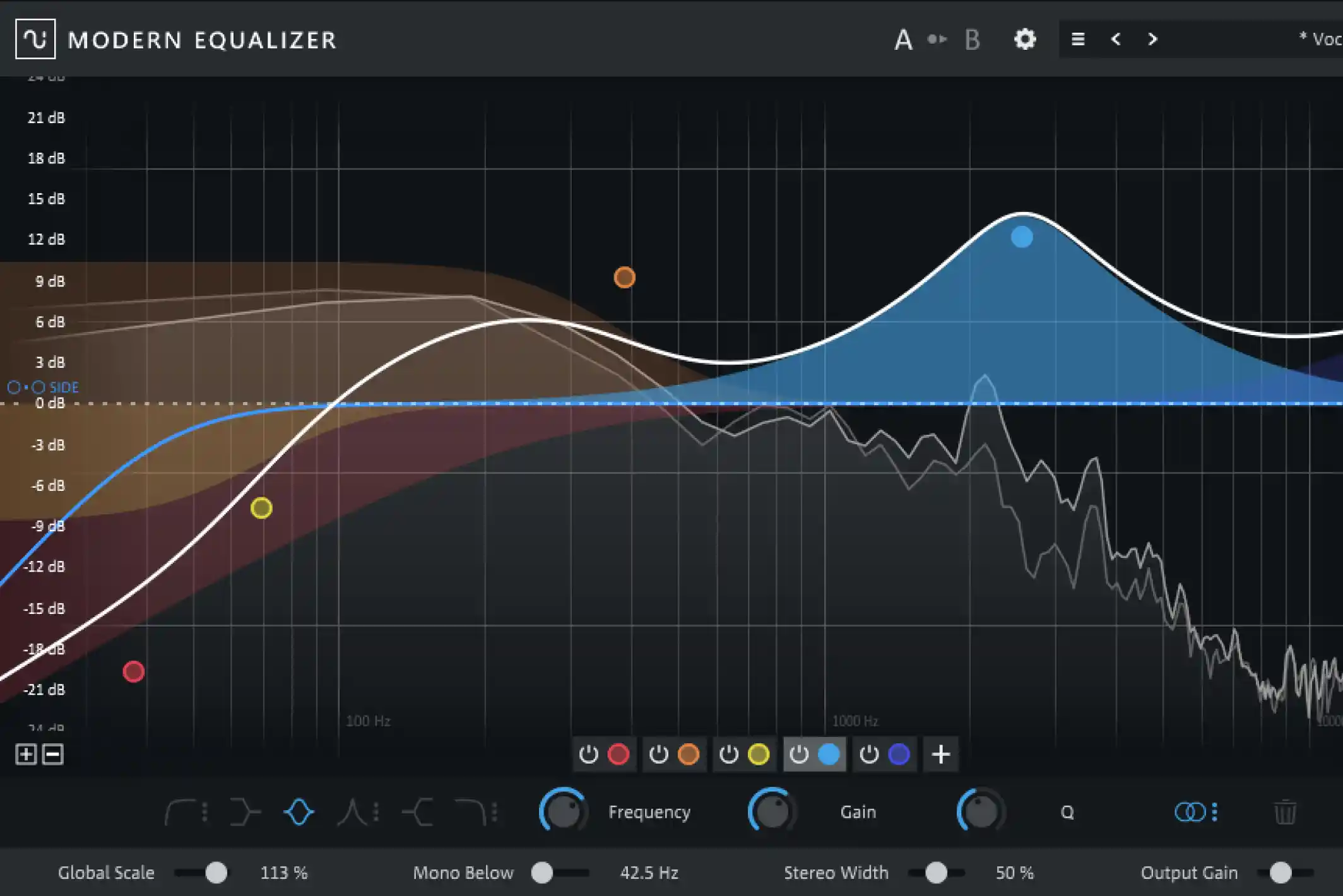
Sculpt audio with the Modern Equalizer
Shape your sound with precise, integrated equalization at any stage of your signal flow.

Auto Normalize
Automatically recalculate normalization during edits for max use of dynamic range.
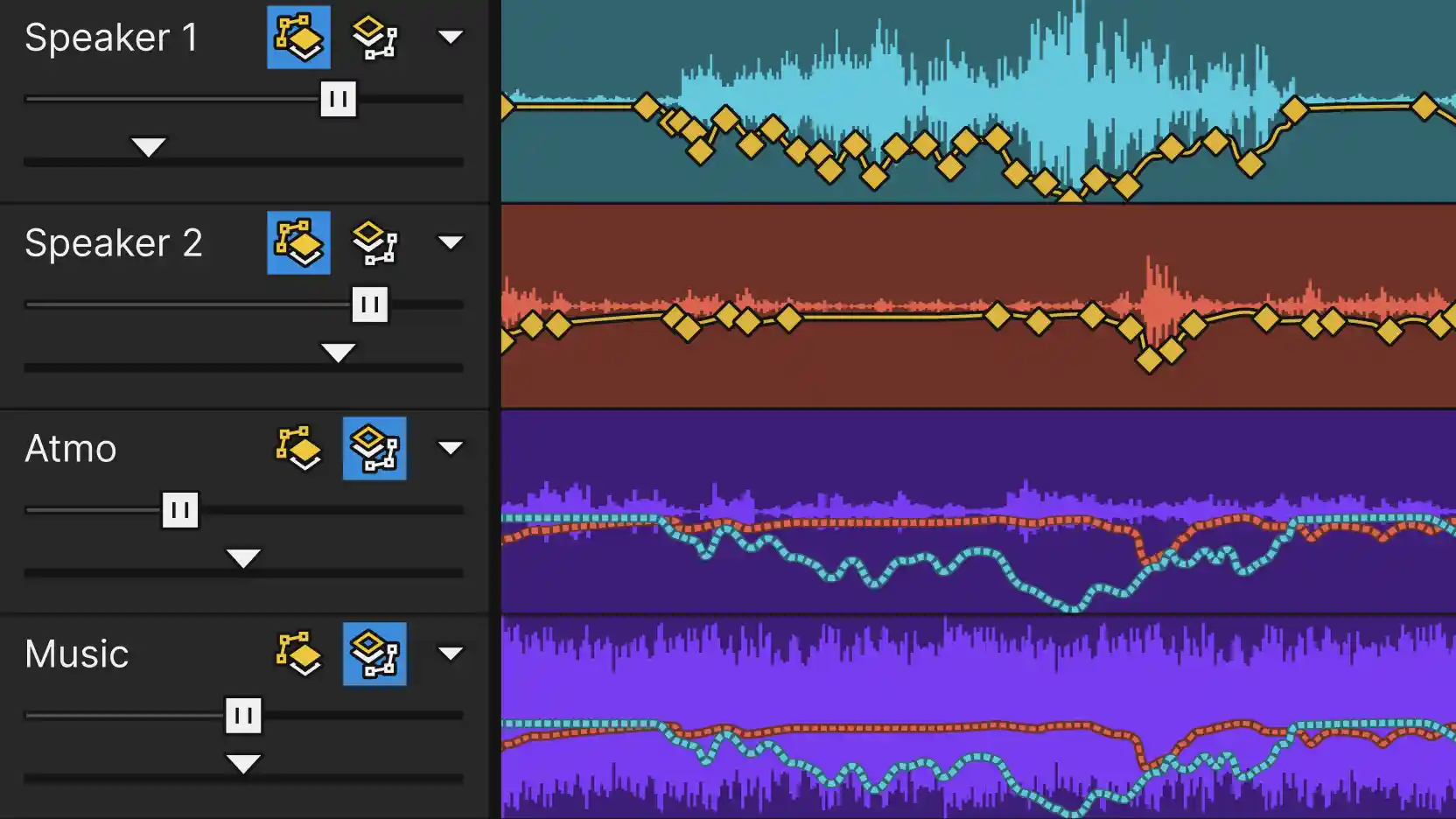
Auto Ducking
Automatically get the music out of the way of the narration to ensure clarity.
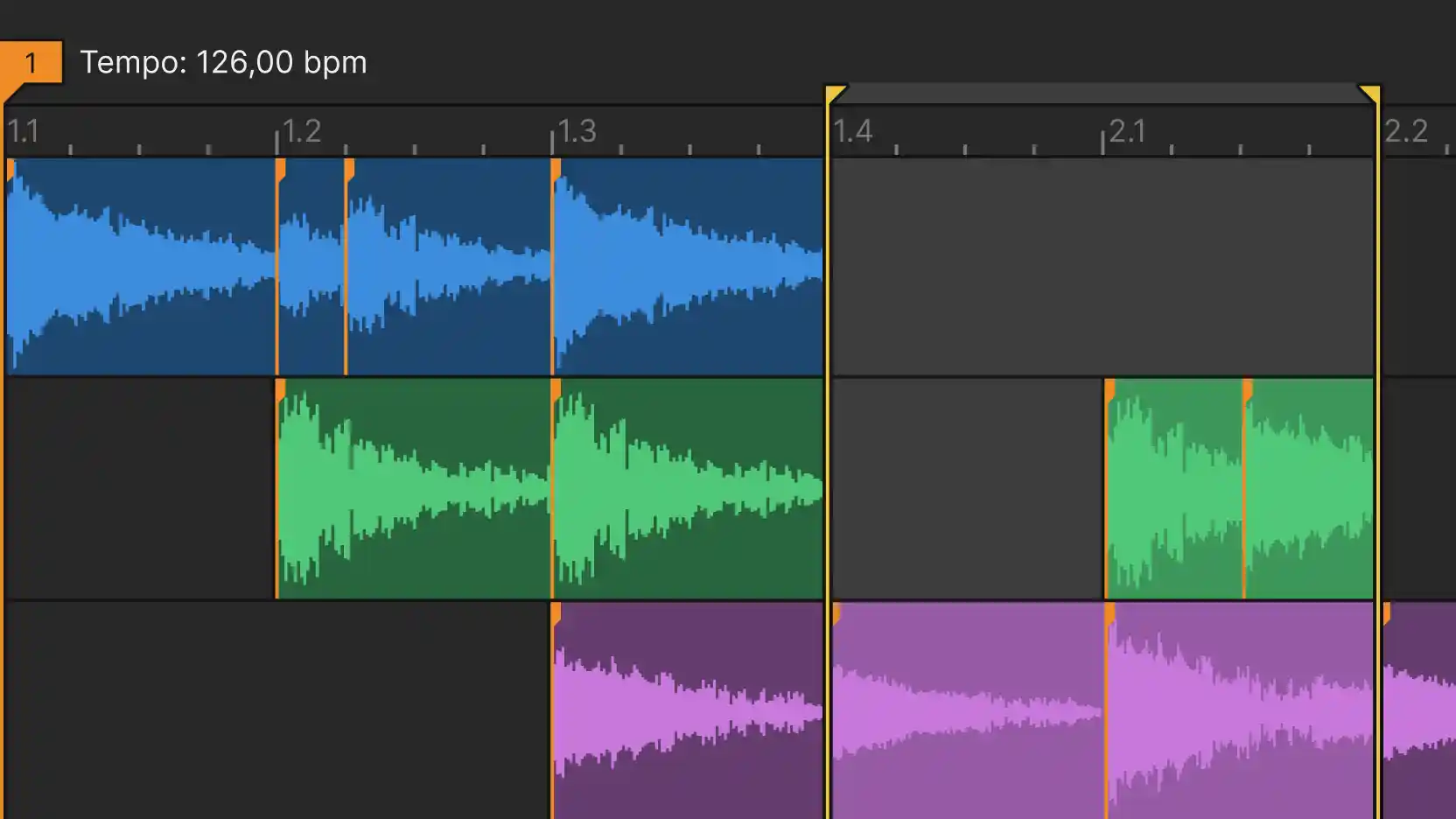
Tempo Detection
Unify your video and audio. Edit video to the beat of the music.
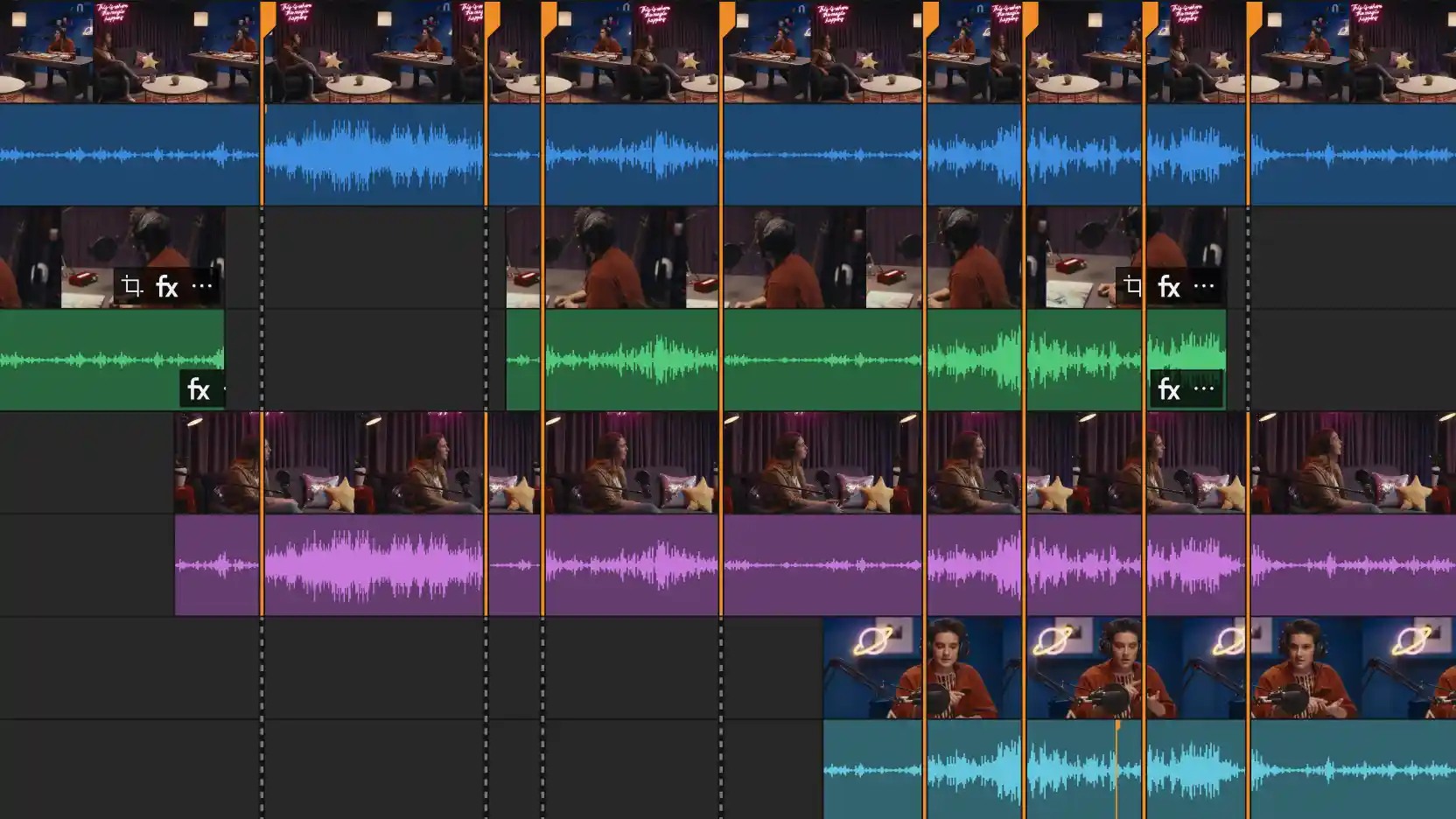
Audio Sync
Take the guesswork out of synchronizing multi-source video and audio files.
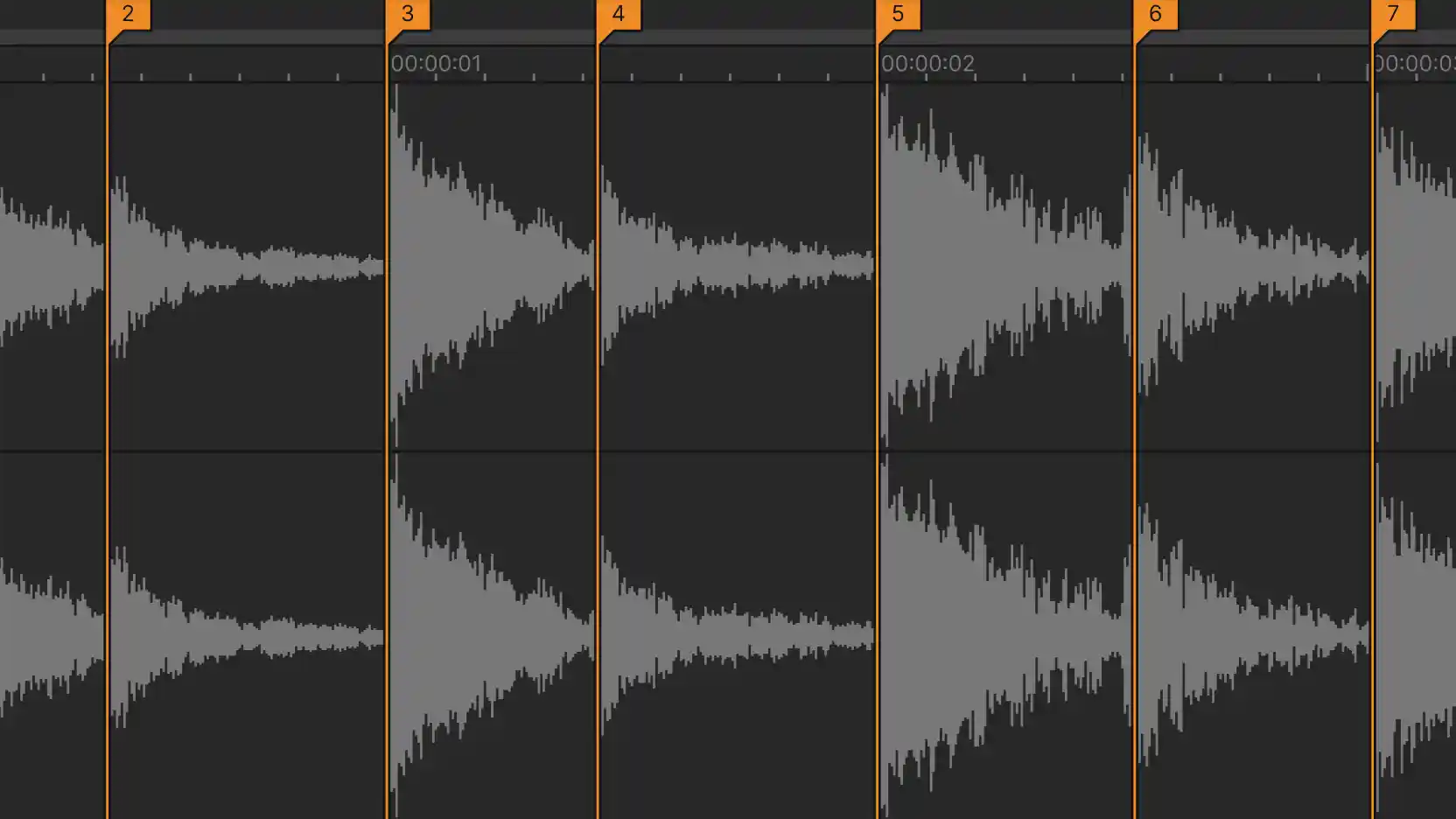
Beat Detection
Identify potential hit points in your audio with full control over sensitivity.

Real-Time Word Highlighting
Automatically highlight the currently spoken word to make subtitles stand out.
Join the Community
Share and learn from creators and talk with the developers.


Frequently Asked Questions
Download Vegas Pro, sign in with your Boris FX account, and start editing. No activation keys or complicated setup.
Yes. Start a free 15-day trial with full access to all features.
Yes. You can use your license on up to two computers, so you can edit wherever you work.
No. Just sign in and start editing — it’s that simple.
Our team is here for you. Reach out anytime or start a live chat on our website.