


Vegas Pro: It’s All About Speed
The all-in-one video editor built for every creator.
From your first cut to your biggest production in just a few clicks.
From your first cut to your biggest production in just a few clicks.
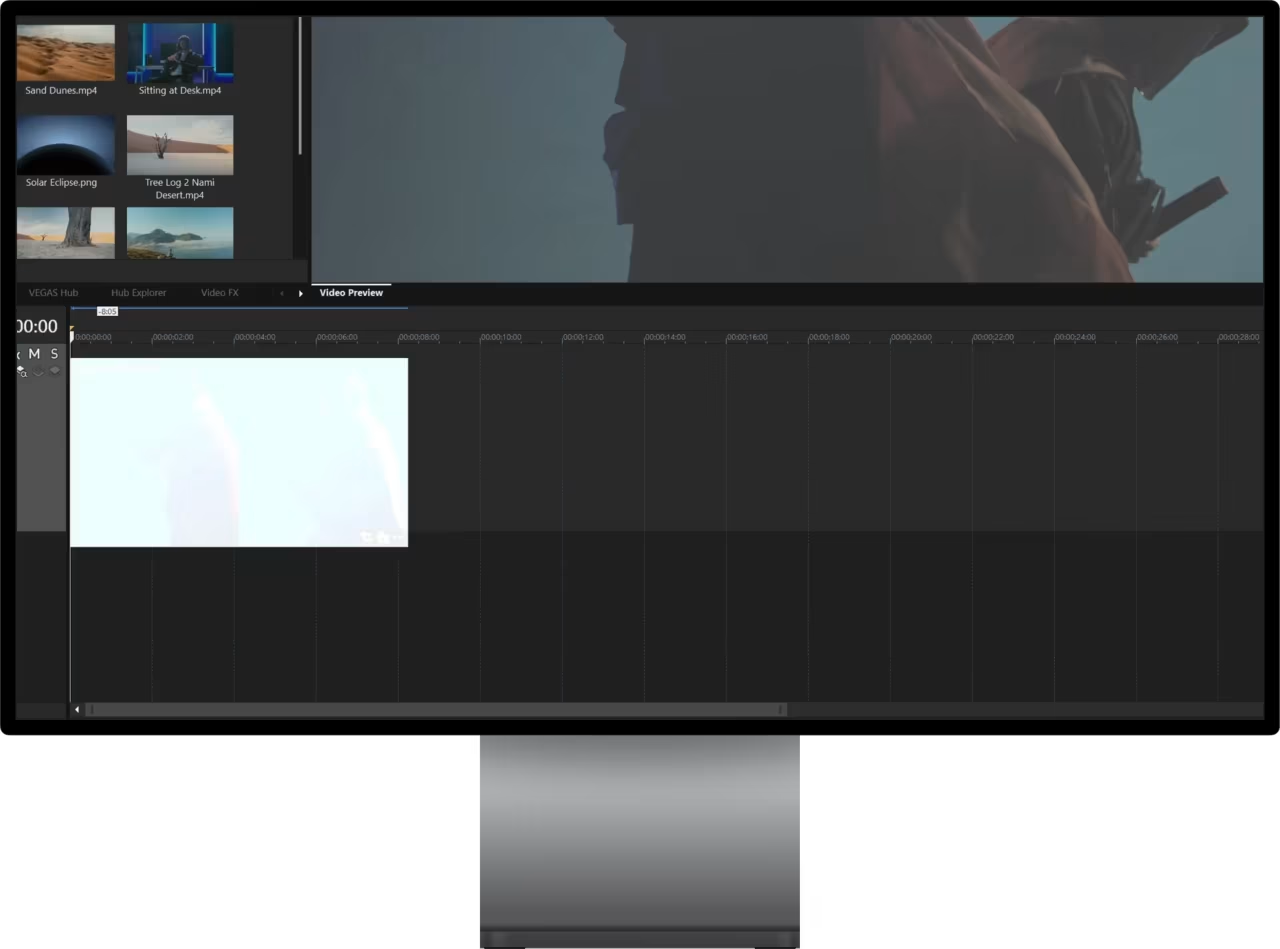
Watch video
×

Why Editors Choose Vegas
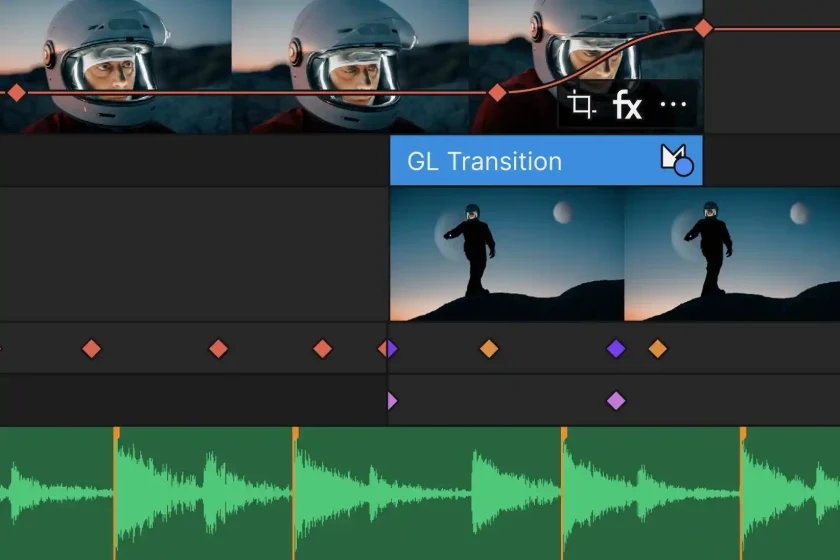
Effortless Editing
Edit faster with fewer clicks, a flexible timeline, and a workflow that keeps you focused on your story,
not your software.
not your software.
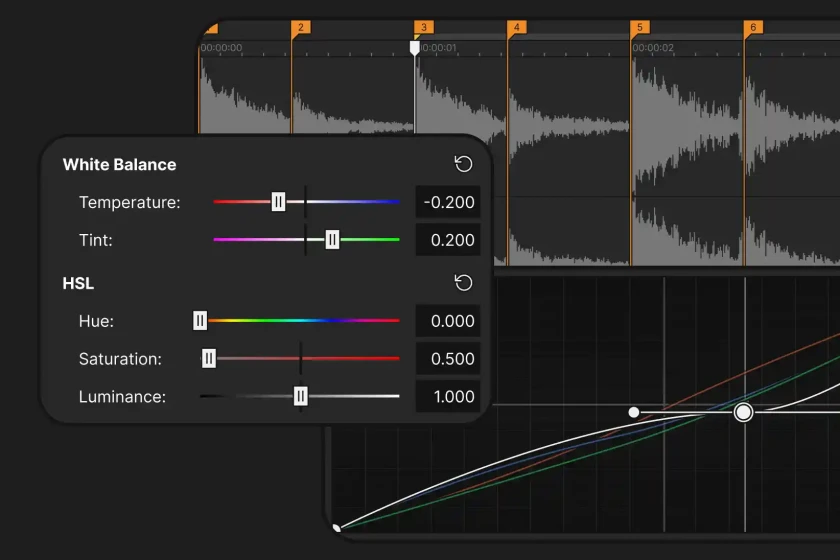
All-in-One Workflow
Edit, color, audio, titles, AI, effects, speech, and delivery, all in one application without switching between multiple tools.
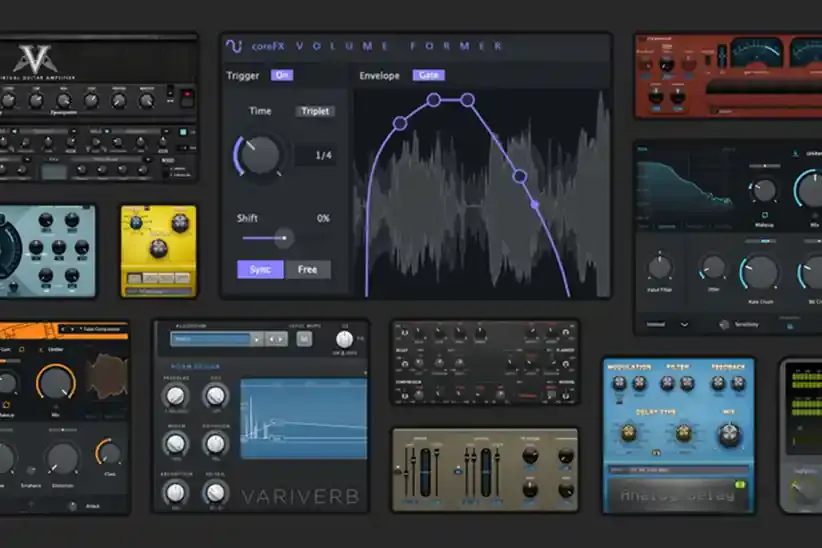
Powered by Boris FX
Create more with award-winning tools, now built directly into Vegas Pro: Mocha Pro, Particle Illusion,
and CrumplePop.
and CrumplePop.

Create More. Work Less.
Record, import, edit, adjust, customize, and export.
Everything in one optimized NLE.
Everything in one optimized NLE.


Built for Speed
Powered by the Vegas Core Engine, GPU acceleration, optimized playback and fast rendering,
Vegas keeps your creativity moving without getting in your way.
Vegas keeps your creativity moving without getting in your way.

up to 4x*
Perfect colors in record time
Work fast, trust your colors, and feel confident that the final look will match exactly what you had in mind.
Fluent preview playback
Accurately review your work with high preview framerates even under the heavy load of high-res media packed with video effects.
Everything Included
Spend less time learning software and more time creating.
Vegas Pro AI

AI in Vegas Pro is designed to make editing faster, not more complicated.
Every feature helps simplify complex tasks, speed up your workflow, and unlock new creative possibilities.
Always supporting your creativity, never replacing it.
Every feature helps simplify complex tasks, speed up your workflow, and unlock new creative possibilities.
Always supporting your creativity, never replacing it.
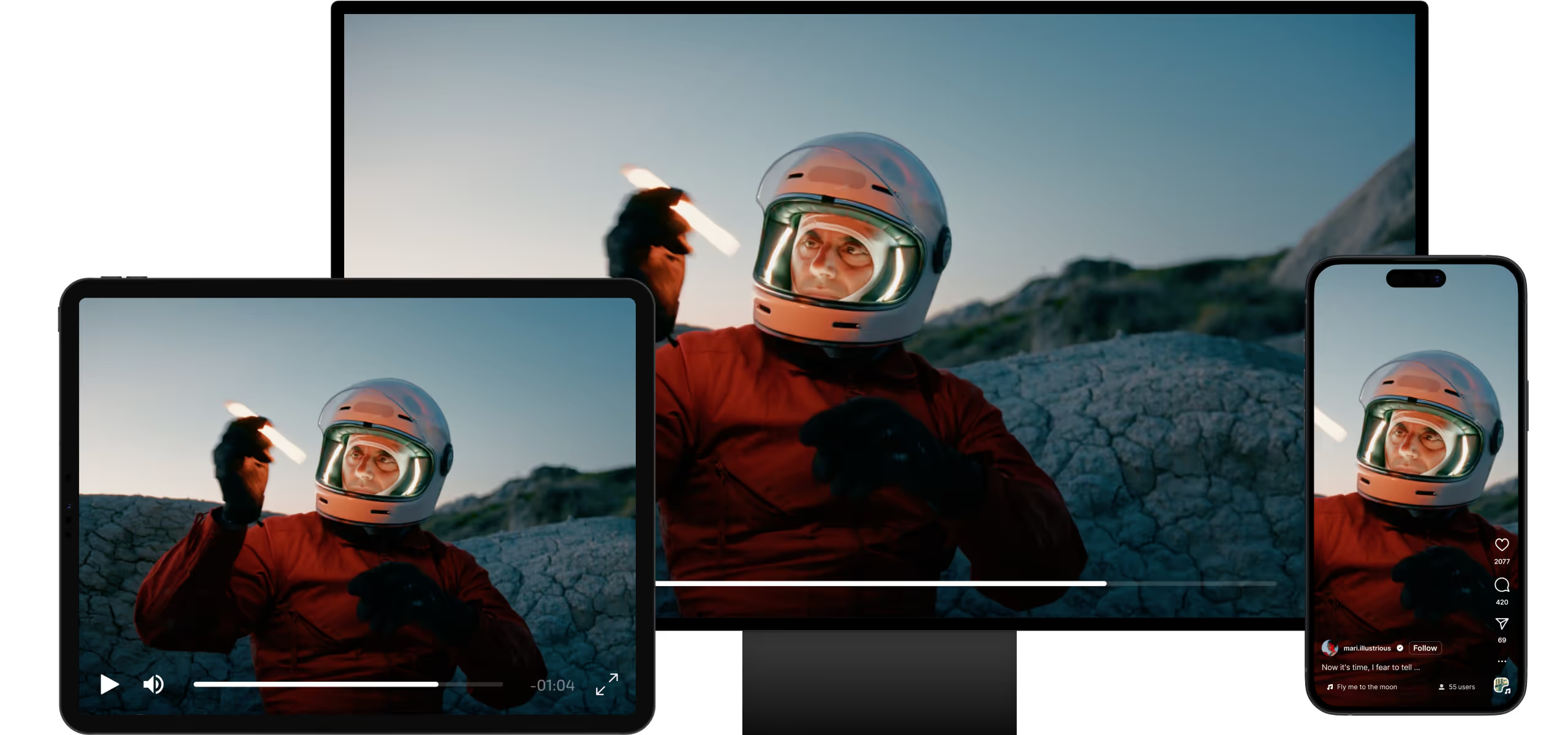
Reformat your video automatically
Publish everywhere without editing twice. AI automatically keeps your subject perfectly framed while converting widescreen footage into vertical or square formats for every platform.
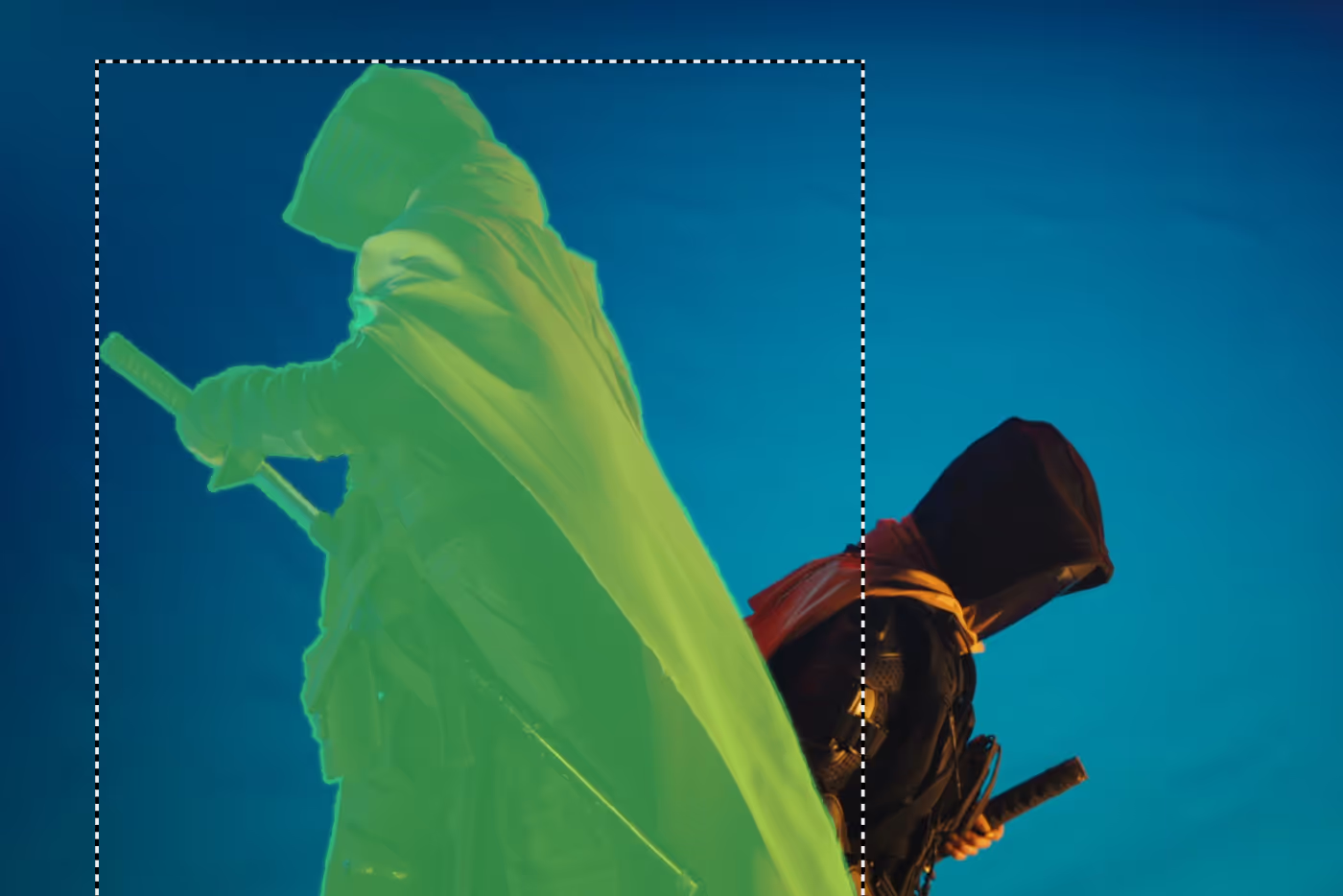
AI Quick Mask
Create precise masks in seconds. AI automatically detects and tracks people or objects, making it easy to isolate and edit them with precision.
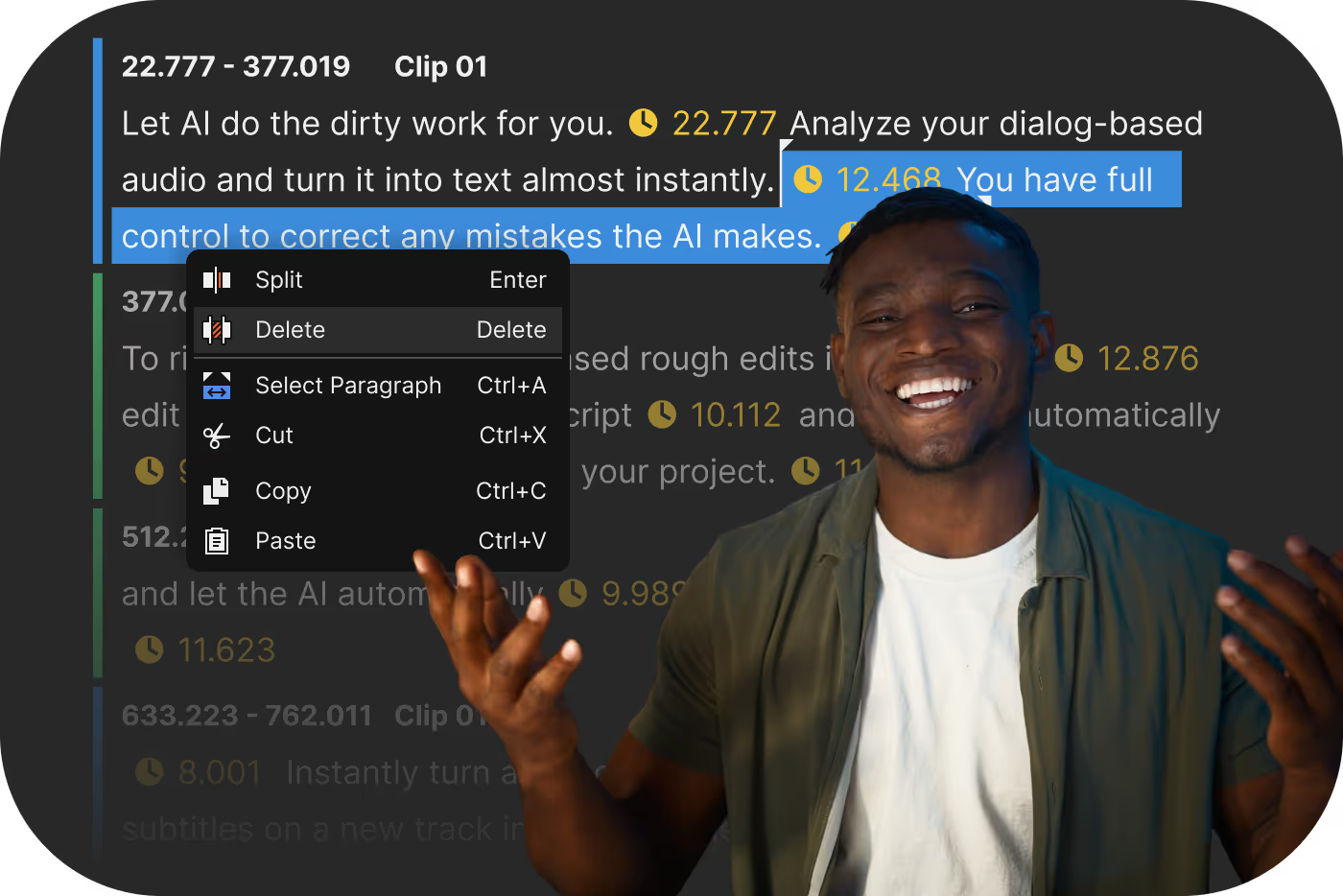
Text-based Editing
Edit your video as easily as editing text. AI generates an accurate transcript, so you can remove words, sentences, or entire sections and see the timeline update instantly.
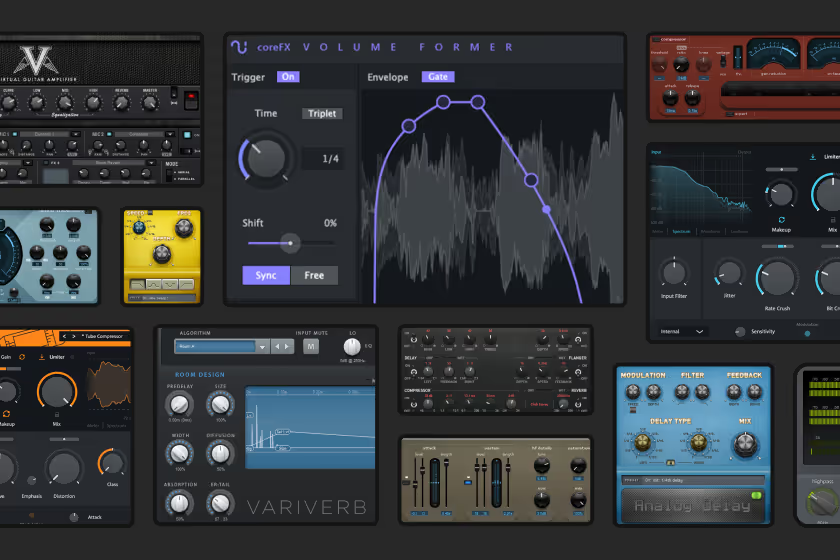
Speech to Text to Speech
Automatically generate accurate transcripts and subtitles, edit your video like a document, or create natural-sounding voiceovers in just a few clicks.
Boris FX Ecosystem
Vegas Pro includes access to the award-winning Boris FX ecosystem, bringing industry-leading visual effects, motion graphics, audio restoration, and tracking tools directly into your workflow.
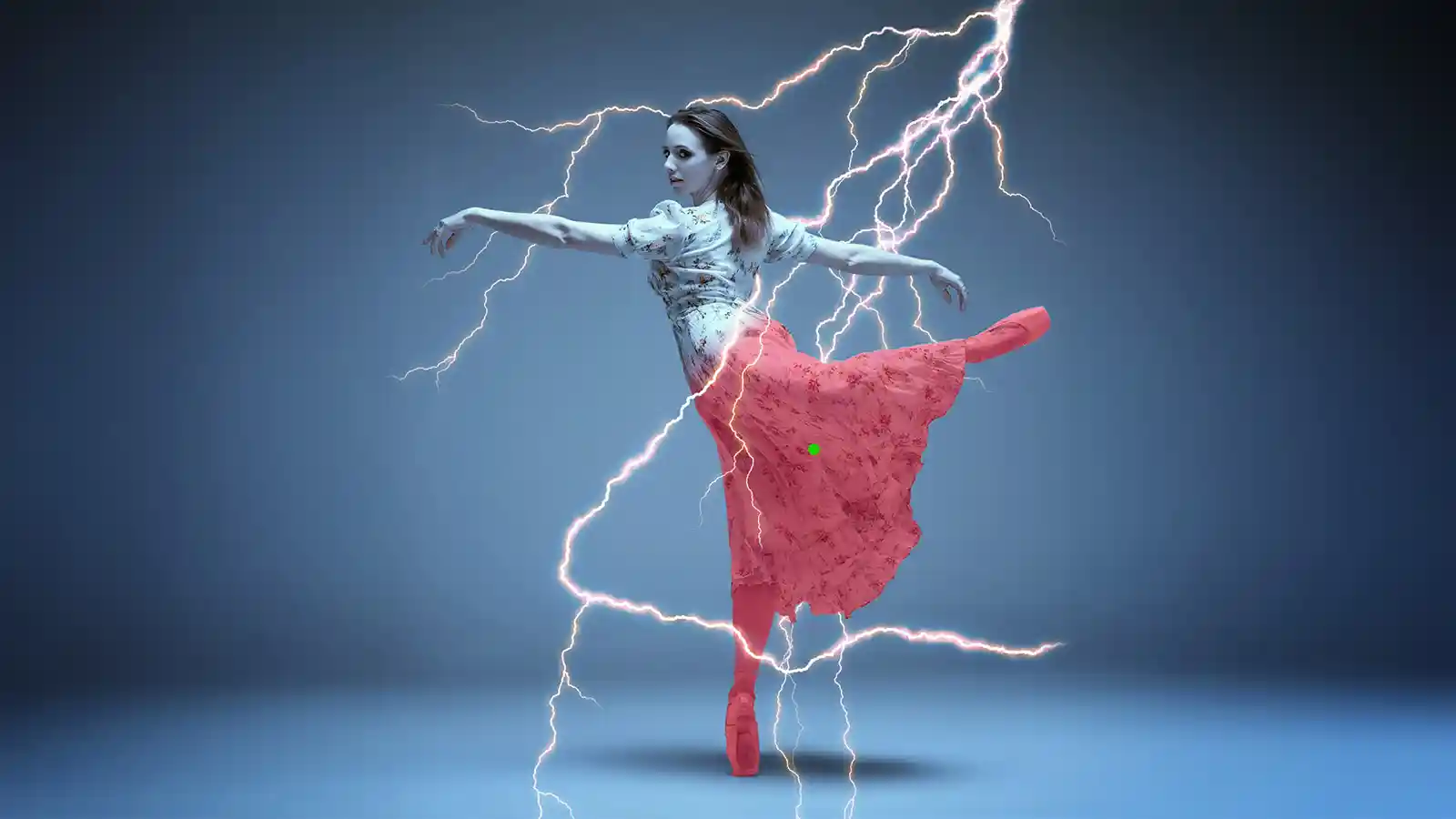
Hollywood-quality effects and transitions.
Enhance your videos with award-winning glows, lens flares, lighting effects, stylized looks,
and hundreds of professionally crafted presets.
and hundreds of professionally crafted presets.
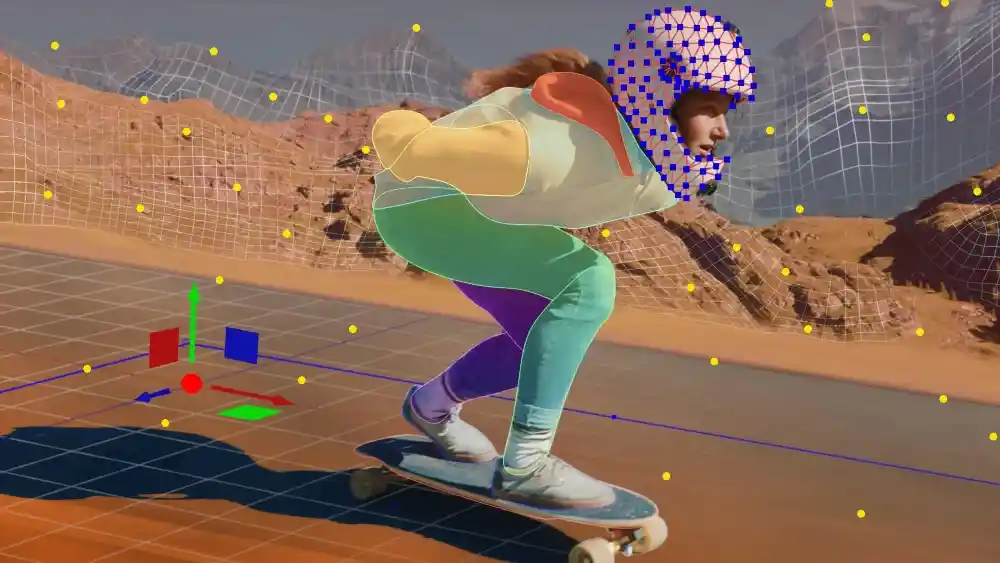
Mocha Pro
Track surfaces with precision, create advanced masks, remove objects, stabilize footage, and achieve complex visual effects with ease.
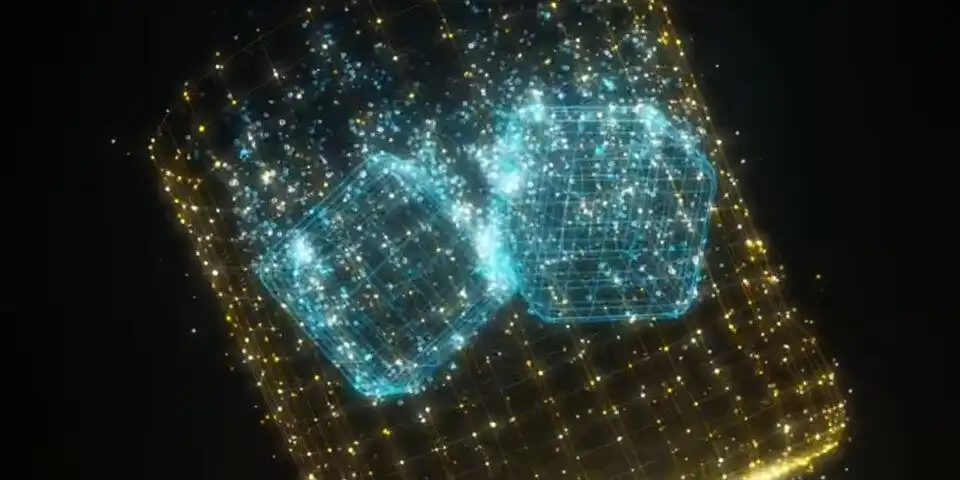
Particle Illusion
Add realistic fire, smoke, sparks, rain, magic, explosions, and thousands of customizable particle effects to bring your scenes to life.
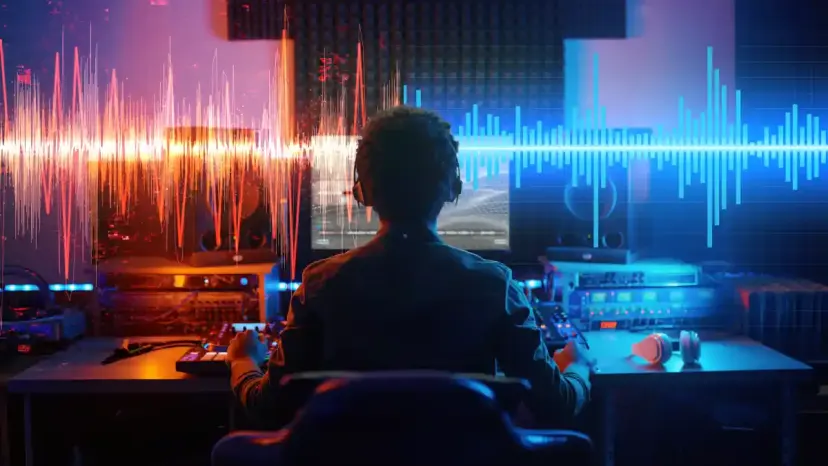
Crumple Pop
Remove background noise, echo, wind, and unwanted distractions while enhancing speech clarity for clean, professional sound.
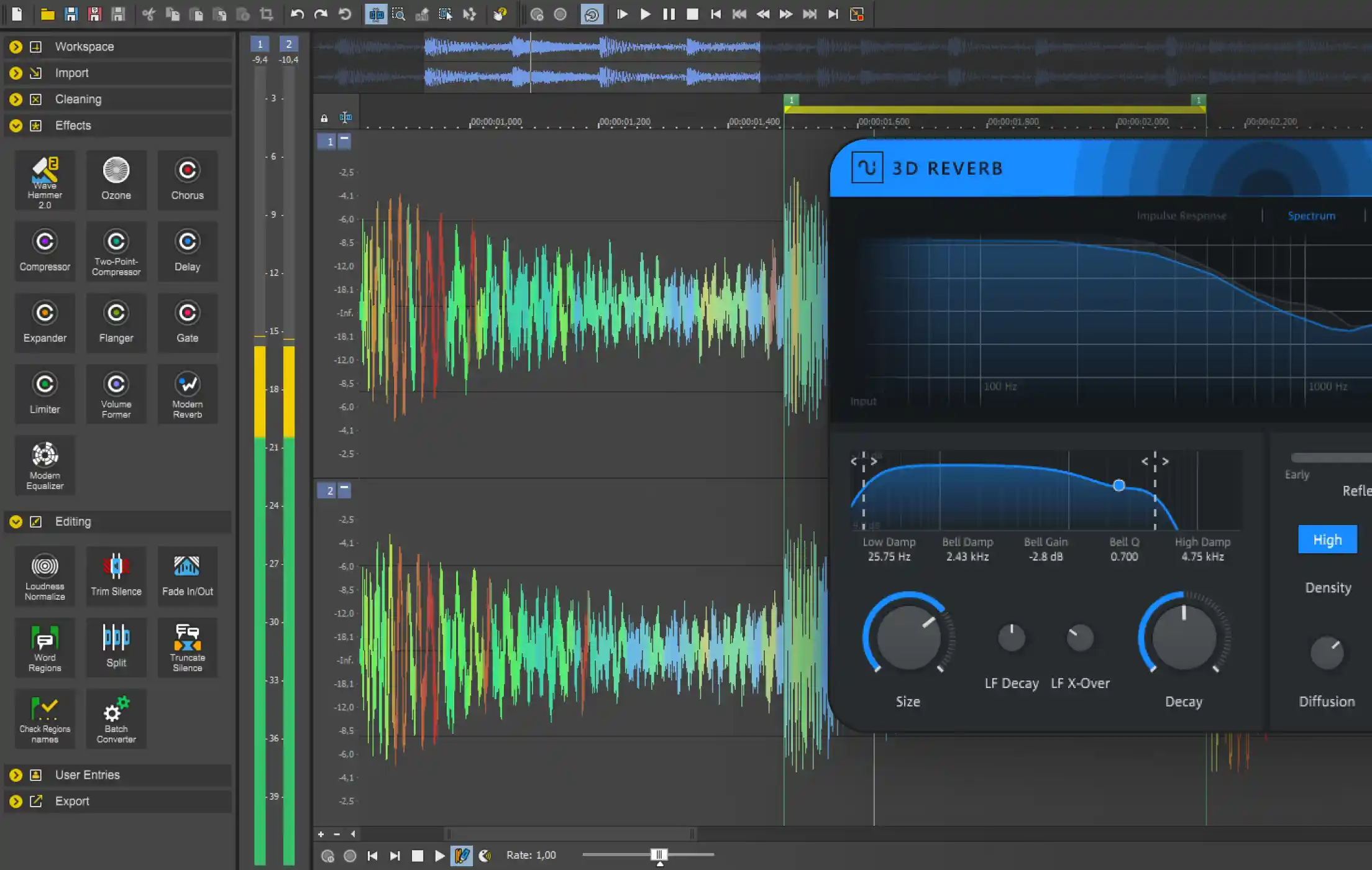
Sound Forge Plus
Sound Forge is one of the most respected professional audio editors available, used for precision editing, restoration, and mastering.
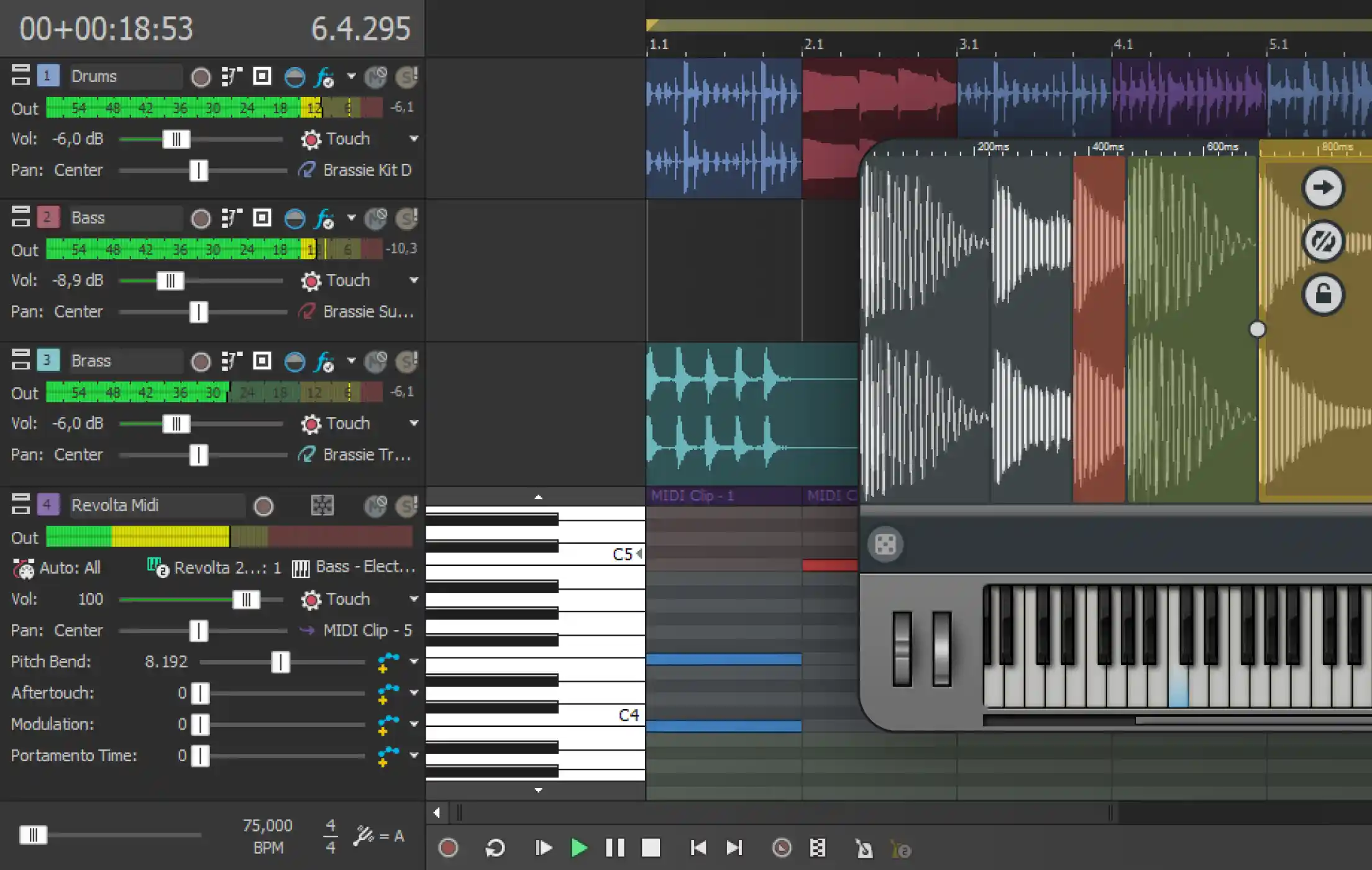
Acid Pro
Acid Pro is a powerful music production environment built for creators who want to compose, arrange, record, and produce music with speed and flexibility.

Optics
Optics brings the tools of professional cinematography and photography together in one powerful application.
Keep it Simple
Every feature in Vegas Pro is designed with one goal: helping you spend less time managing software and more time creating exceptional content.
Video FX Animation
Add keyframes and fine-tune VFX settings without switching to separate windows, giving you faster, more intuitive creative control.
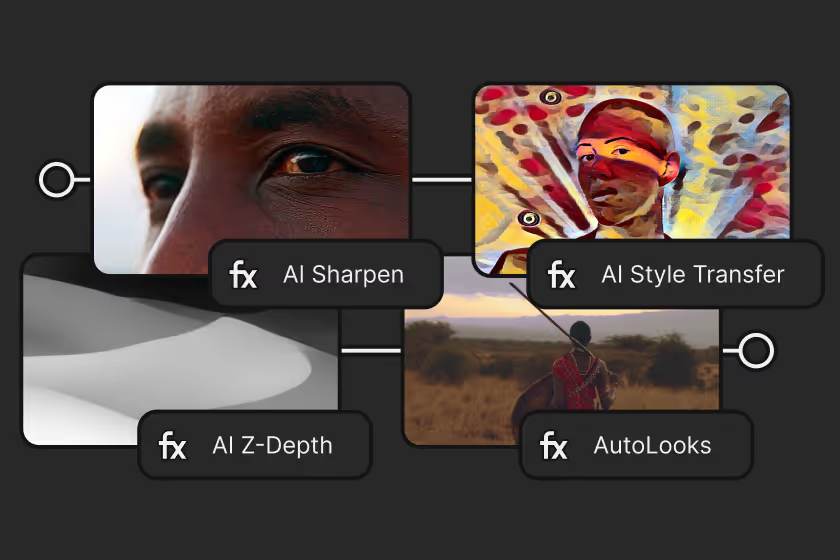
VFX Packages
Build complex VFX chains, save them as custom packages, and apply them across any clip, timeline, or project in just a few clicks.
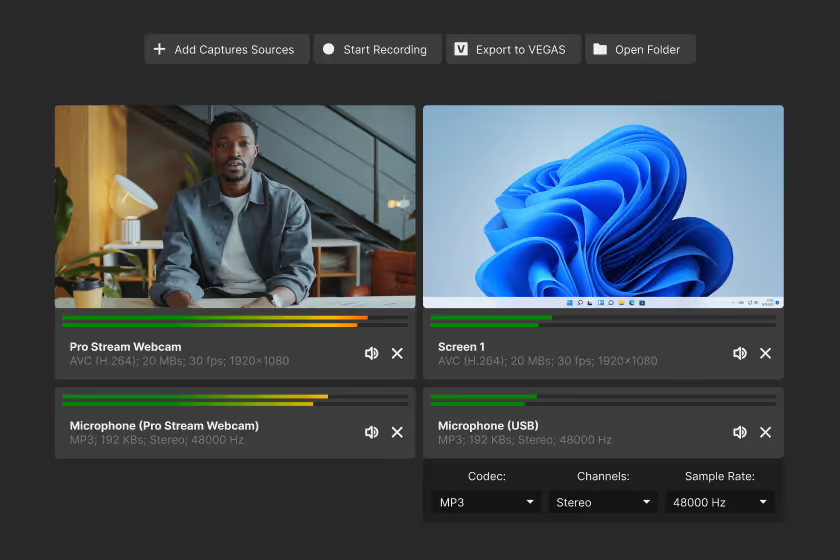
Vegas Capture 2.0
Record gameplay, your screen, webcams, microphones, and software audio simultaneously, then jump straight into editing.
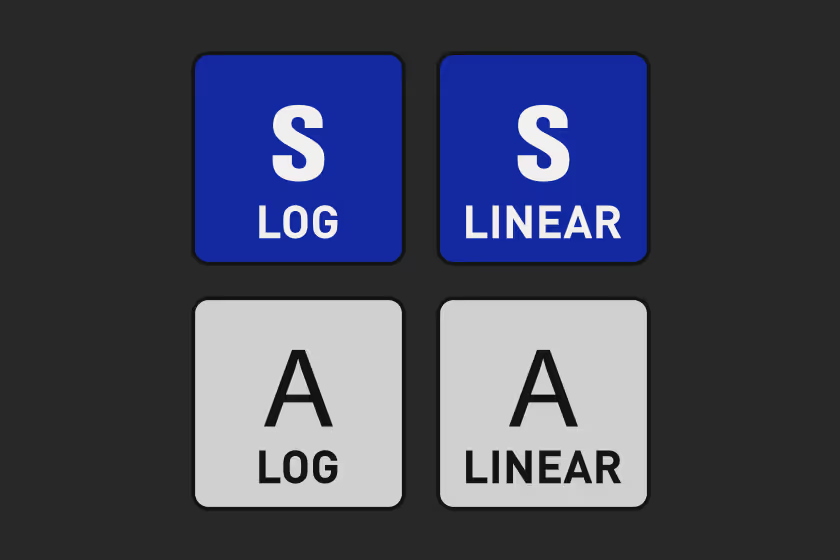
Mobile Device Log LUTs
Custom LUTs for Apple and Samsung Log footage help you achieve rich colors and cinematic results with ease.
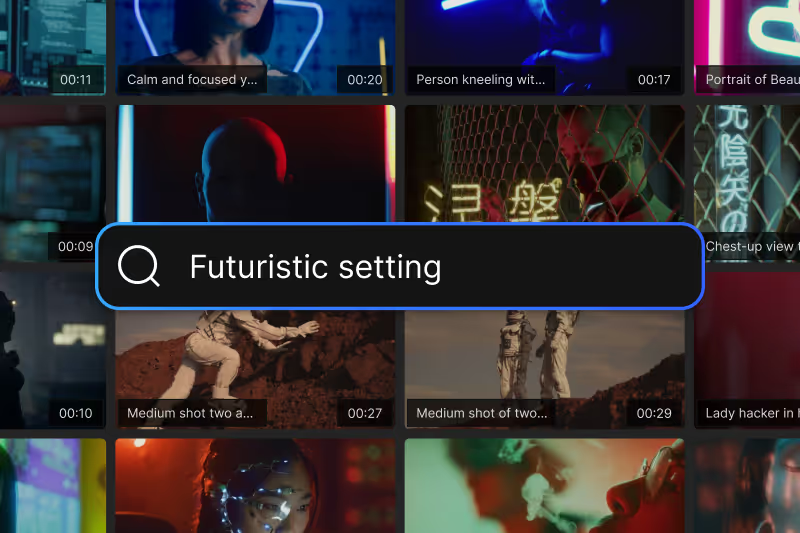
A World of Content
Choose from thousands of royalty-free videos, music tracks, and sound effects to bring your projects to life. Find the perfect asset, drop it into your timeline, and keep creating.
Be the Next Creator and Producer
Watch video
×
“So this ease of use of drag and drop that Vegas had even back in the days carries over to 15 years later and that’s still why I’m here in Vegas.”
Alex Acosta — Director
Watch video
×
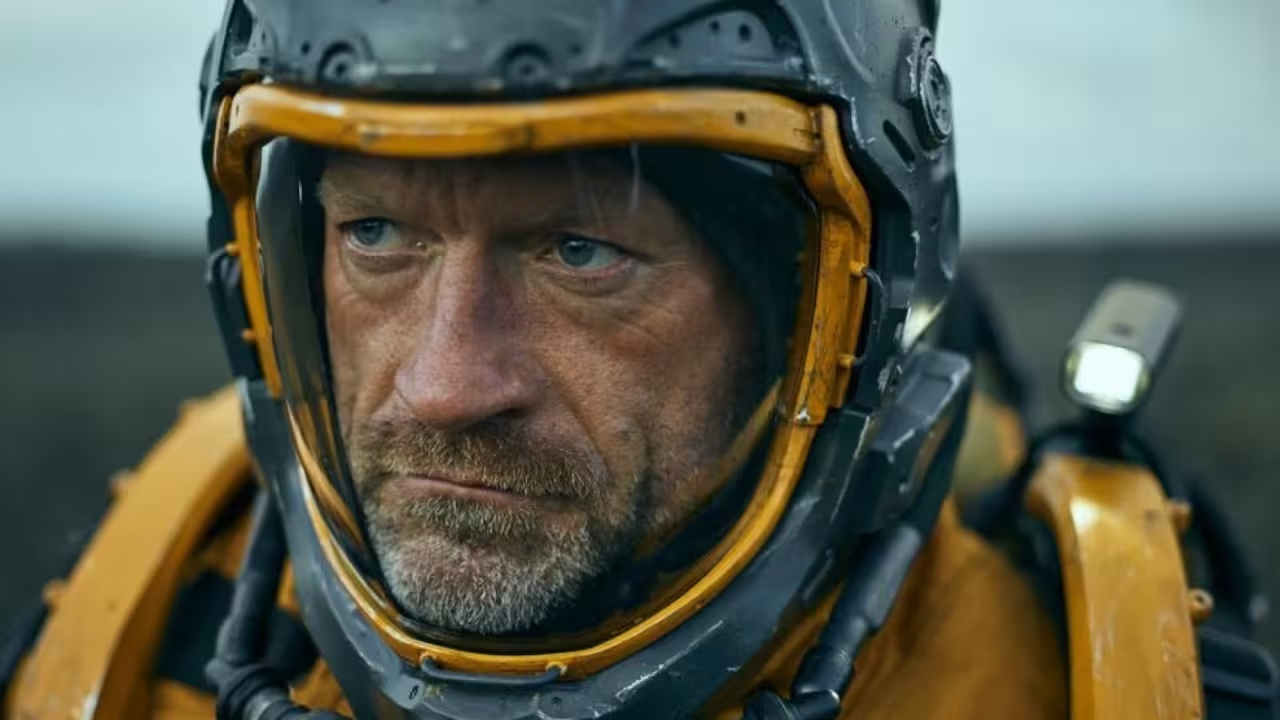
Macgregor — Filmmaker
Watch video
×
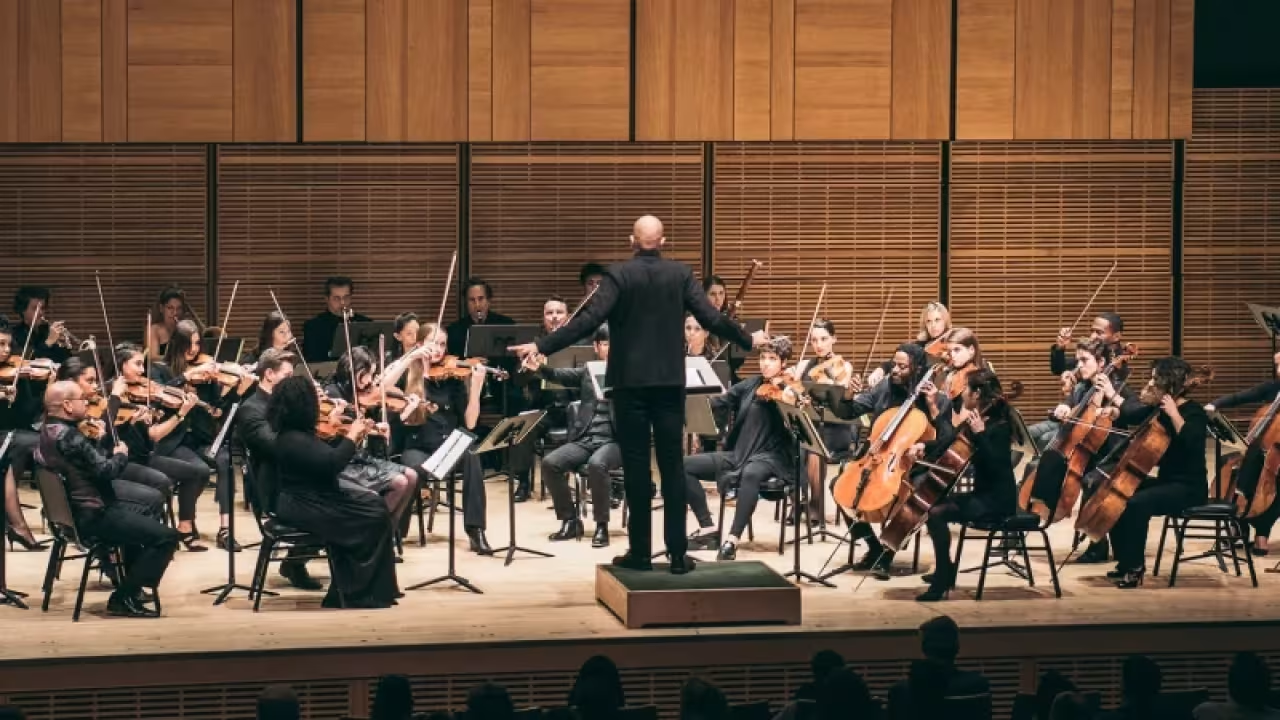
Sean Hardaway — Filmmaker
Join the Community
Share and learn from creators and talk with the developers.


Frequently Asked Questions
Download Vegas Pro, sign in with your Boris FX account, and start editing. No activation keys or complicated setup.
Yes. Start a free 15-day trial with full access to all features.
Yes. You can use your license on up to two computers, so you can edit wherever you work.
No. Just sign in and start editing — it’s that simple.
Our team is here for you. Reach out anytime or start a live chat on our website.